AI image tools
Start from a sentence or from a picture. Every tool here uses the same credits.
Generate images
By model
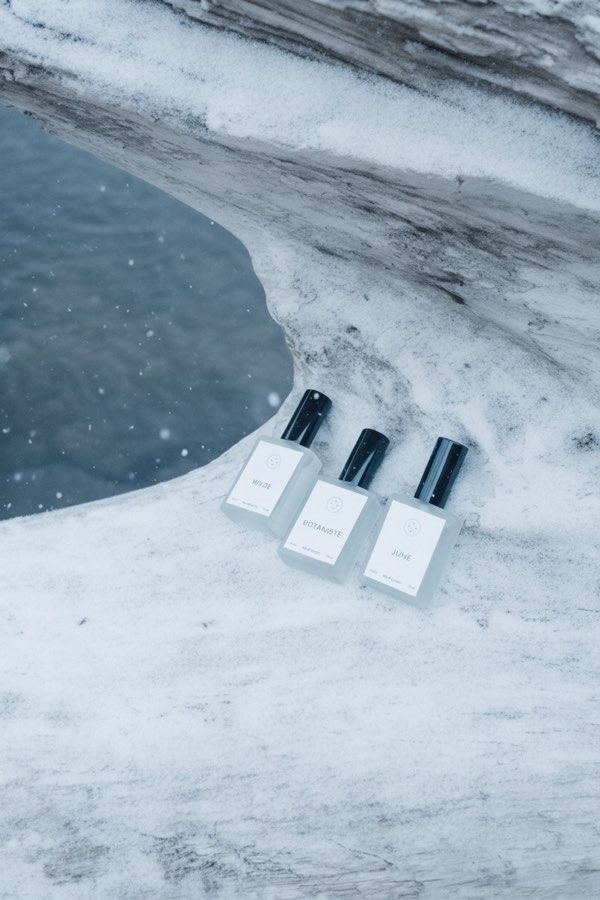
Nano Banana AI Photo Editor
Upload a photo, describe the change in plain words, and get the edited image.
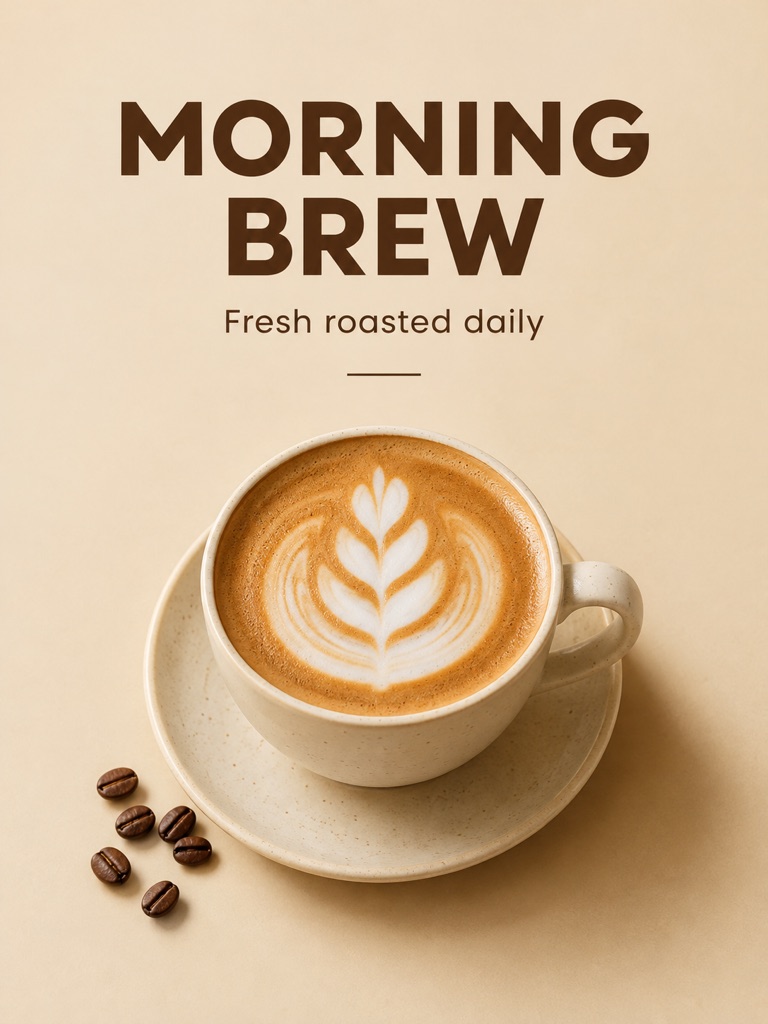
GPT Image 2
Write a prompt, add a reference photo if you want to edit one, and get a 1K image from OpenAI's GPT Image 2.
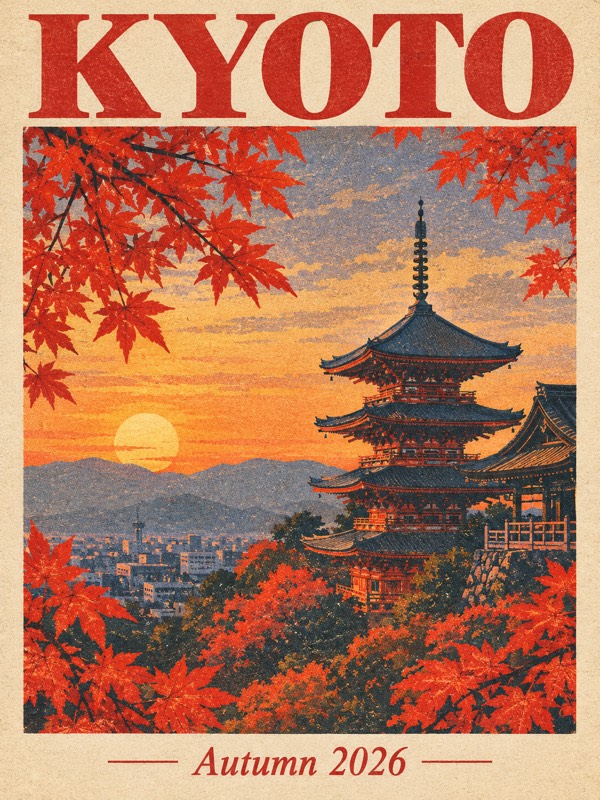
GPT Image 2.5
Write a prompt or upload a photo to edit, and get a 1K image from the Sunburst version of OpenAI's GPT Image 2.5.
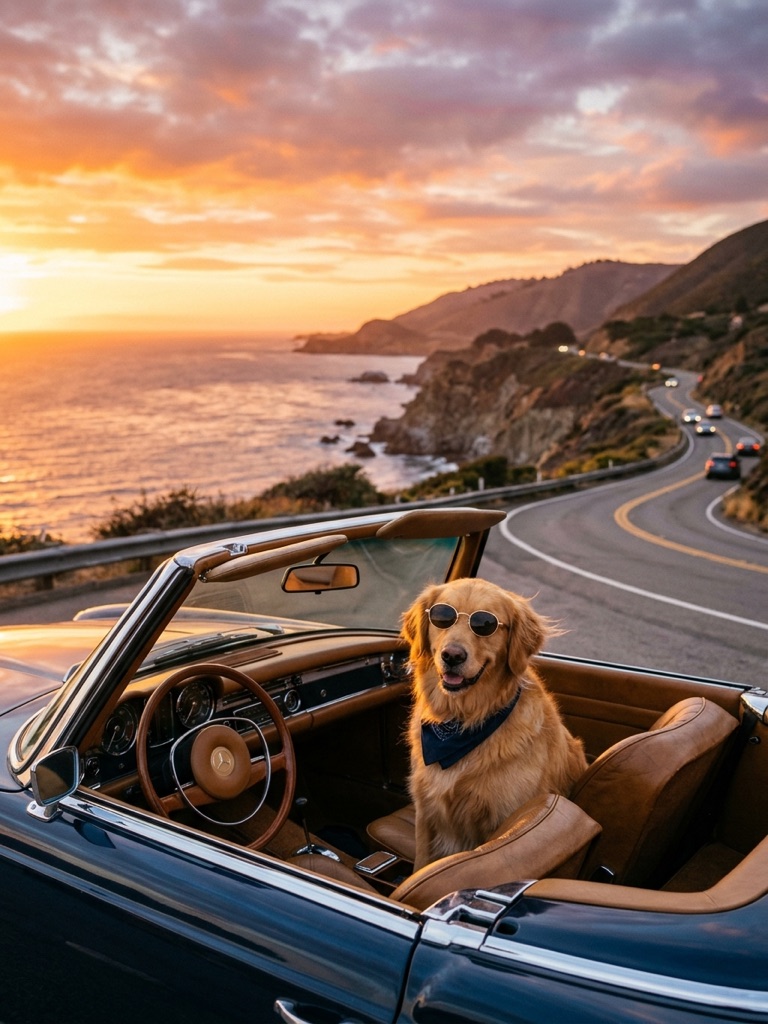
Nano Banana 2
Google's Gemini 3.1 Flash Image model. Write a prompt, add a reference photo if you like, and get a new image for 30 credits.
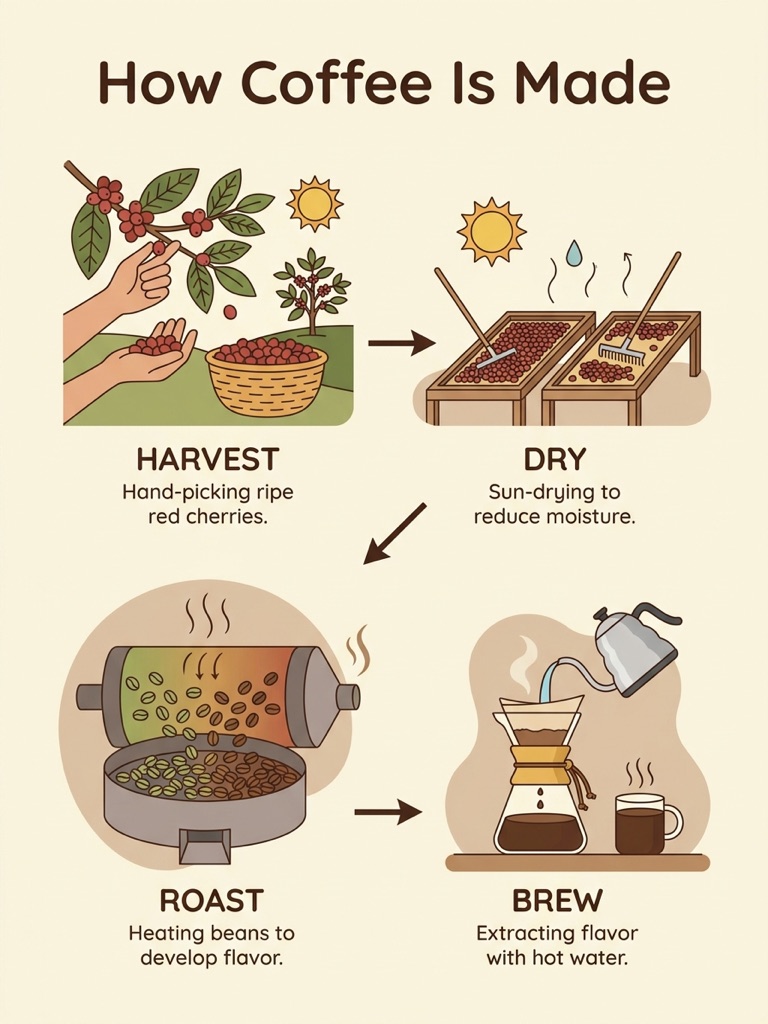
Nano Banana Pro
Google's Gemini 3 Pro Image, the larger Nano Banana model. Write a prompt, add a reference photo if you like. 60 credits per image.
Task tools
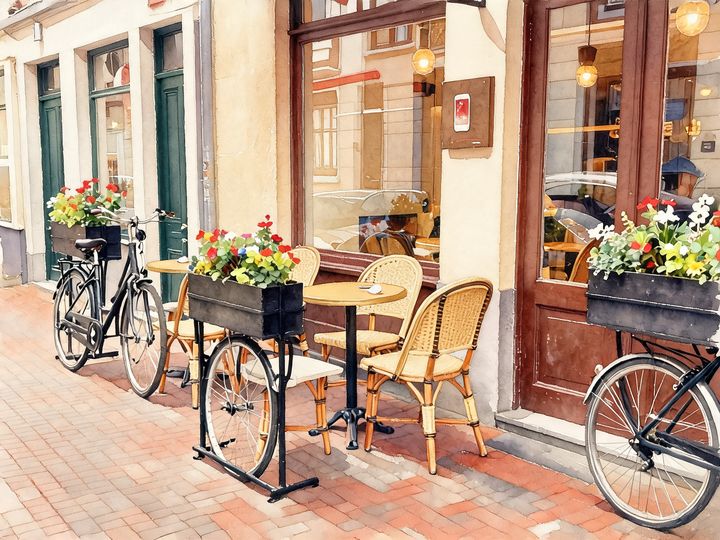
AI Style Transfer
Redraw any photo as a watercolor, oil painting, pencil sketch, pixel art, pop art or ukiyo-e print, keeping the subject and composition.
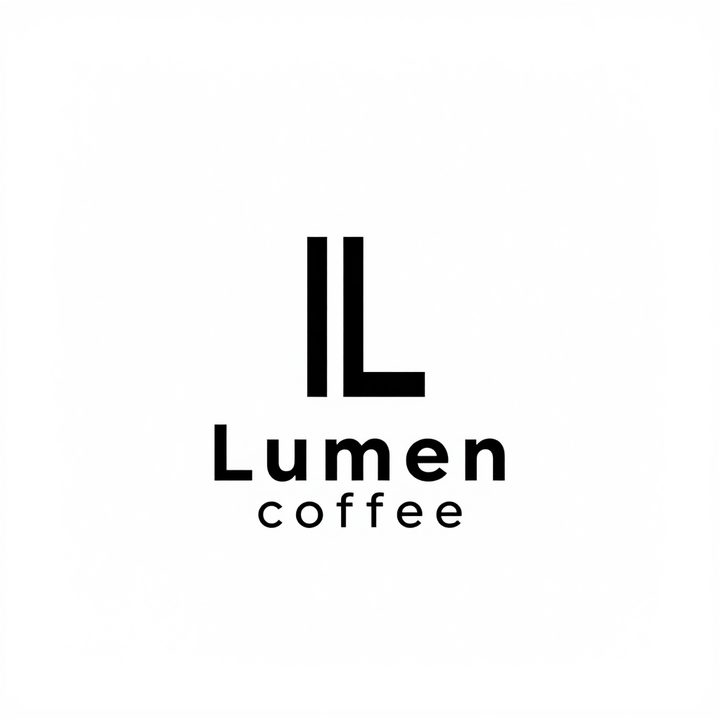
AI Logo Maker
Type your brand name and what you do, and get logo ideas in the style you pick.
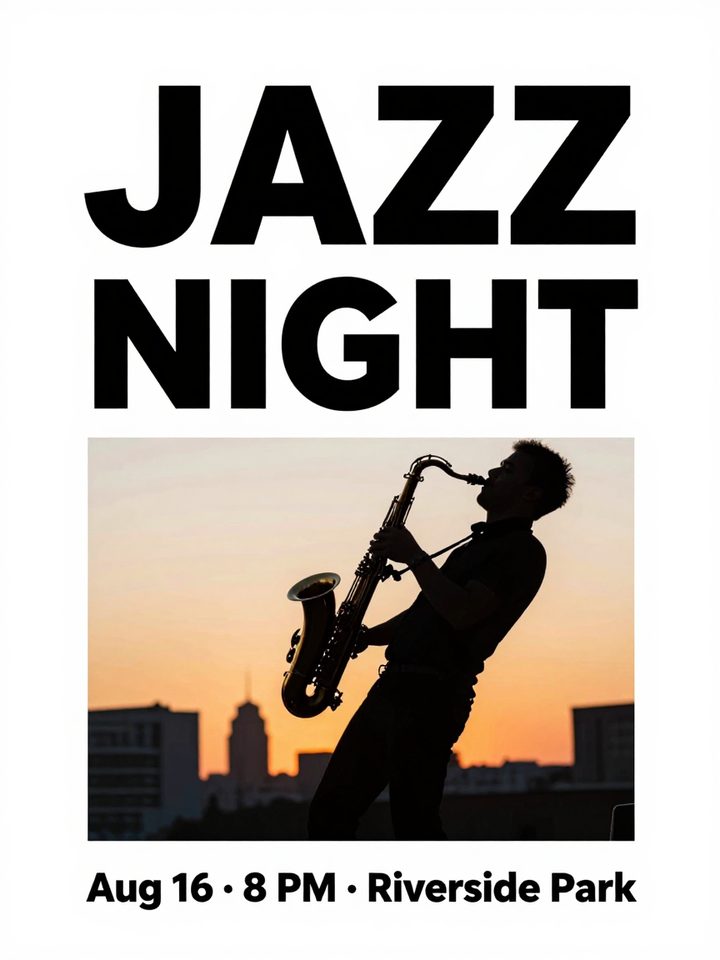
AI Poster Maker
Describe what the poster is for, add your headline, and get a finished design to share or print.
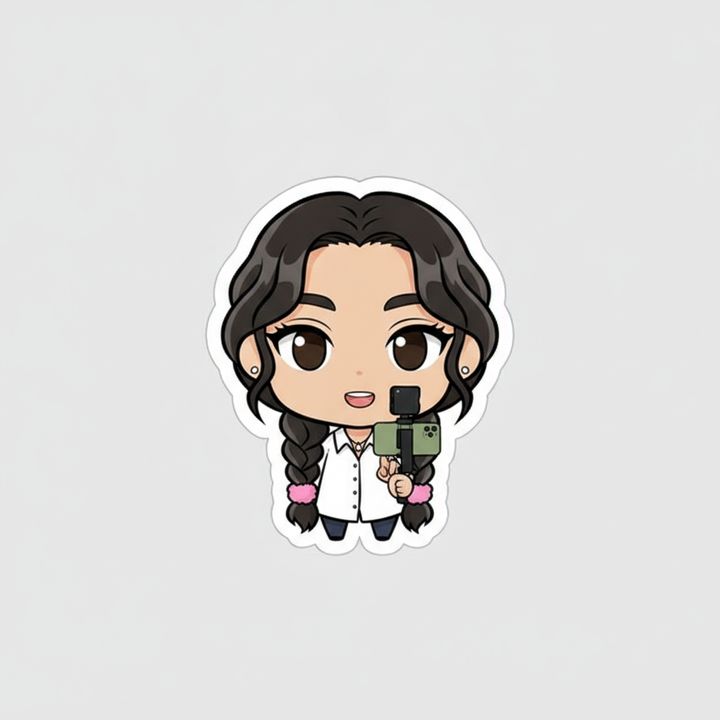
AI Sticker Maker
Upload a photo of yourself or your pet and turn it into a cute, chibi or emoji-style sticker with a white die-cut outline.
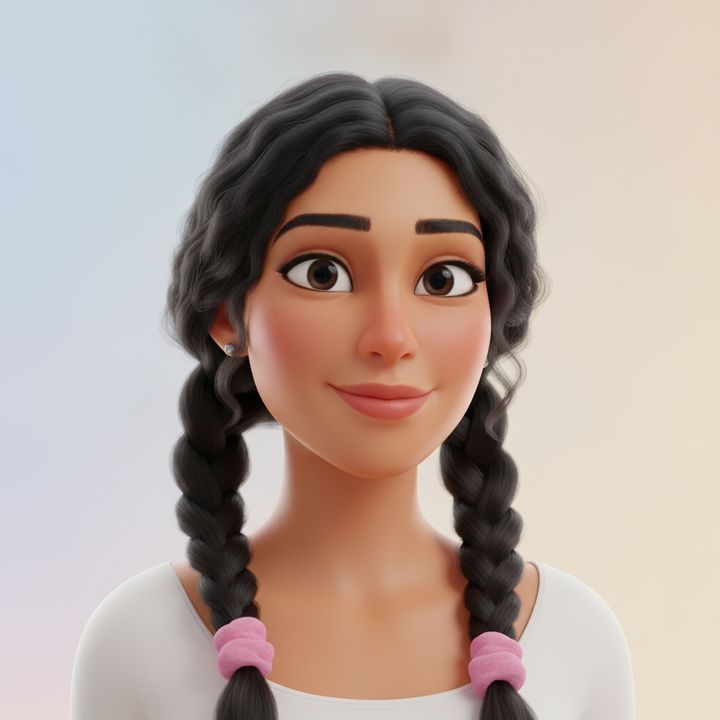
AI Avatar Maker
Turn a photo of yourself into a cartoon, pixel art or clay avatar for your profile picture.
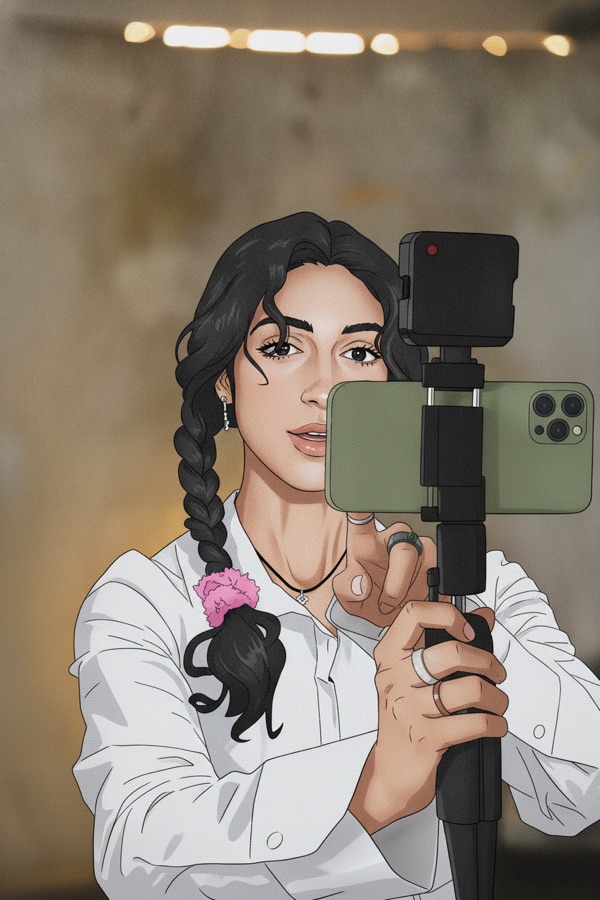
Photo to Anime
Upload a photo and redraw it as anime, manga or a 3D cartoon, keeping the pose, outfit and composition of the original.
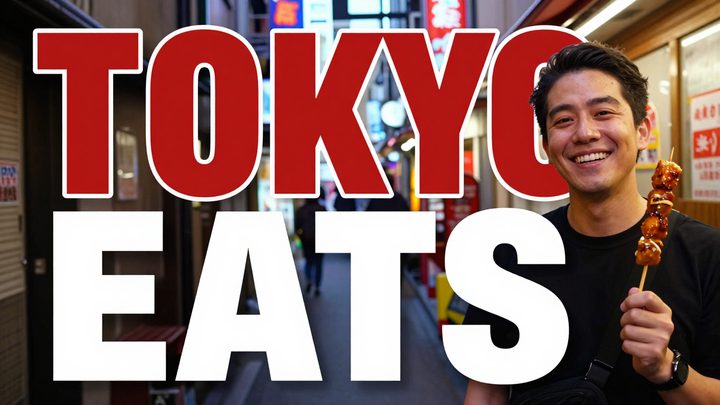
AI Thumbnail Maker
Type your video topic and title, and get a thumbnail with your title in big, readable text.
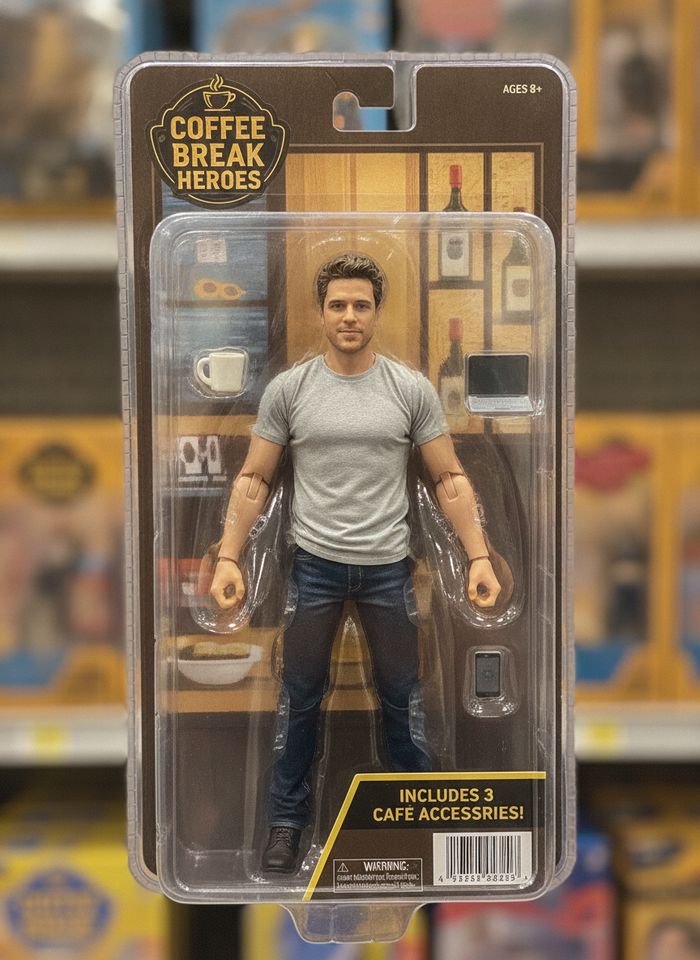
AI Action Figure Generator
Upload a photo of a person or a pet and see it as a collectible toy figure: boxed with accessories, posed on a desk, or as a cute blind-box vinyl figure.
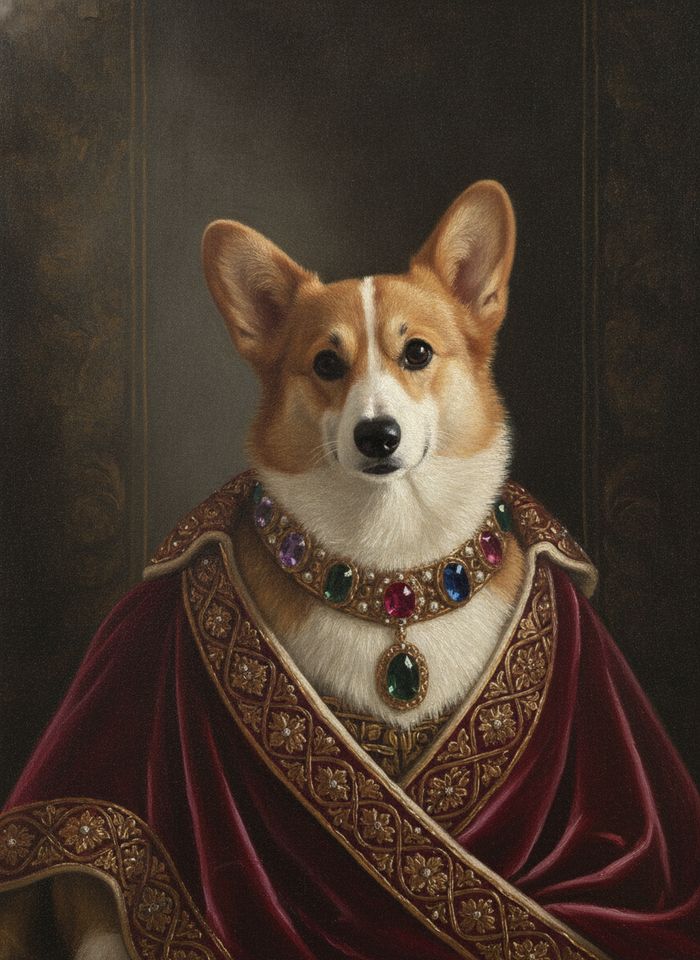
AI Pet Portrait
Upload a photo of your dog, cat or other pet and turn it into a royal portrait, a watercolor, a cartoon or an oil painting.
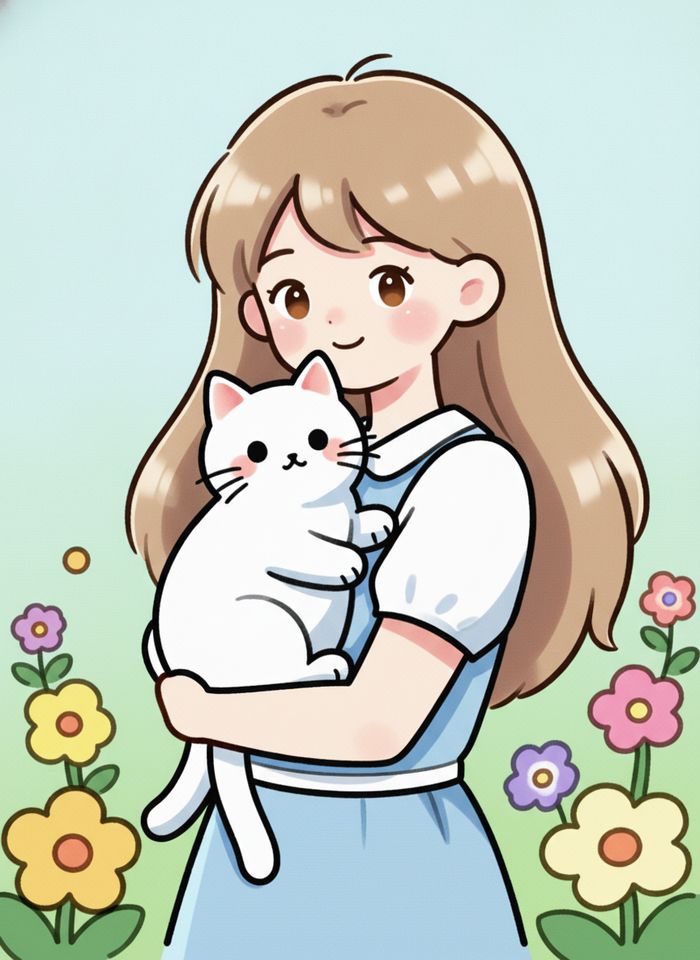
AI Line Art Colorizer
Upload black-and-white line art or a manga page and get it back in color, with your lines kept in place.
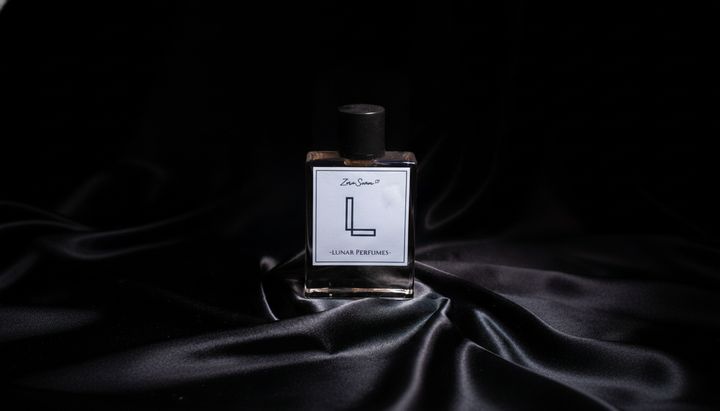
AI Image Extender
Choose a new aspect ratio and the AI continues the scene beyond the edges of your photo.
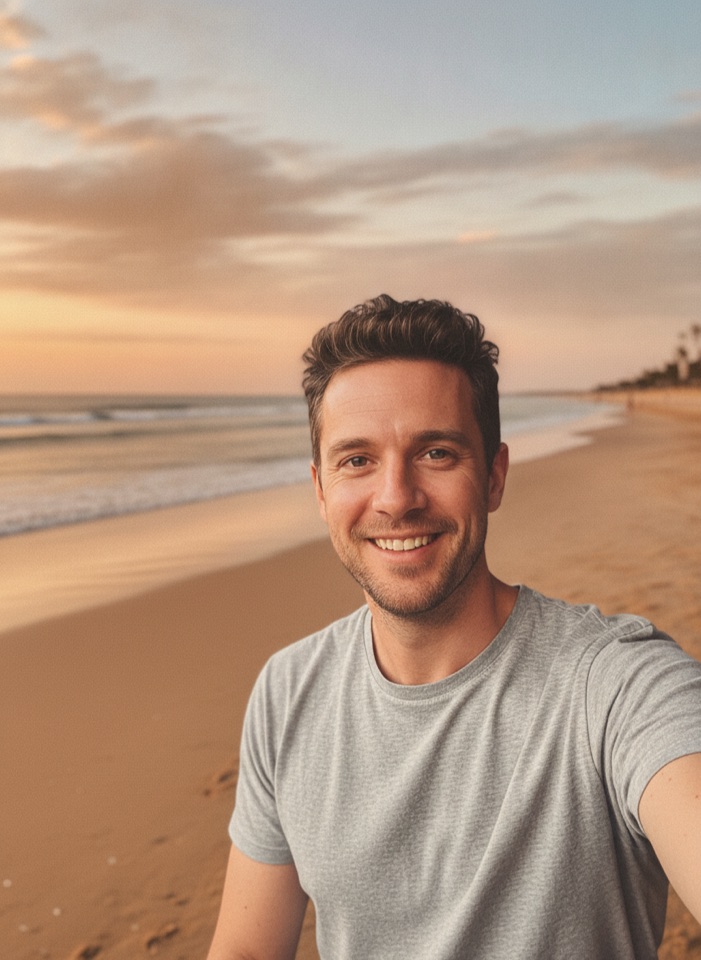
AI Background Changer
Upload a photo, pick a new background or describe your own, and the subject is kept as it is.
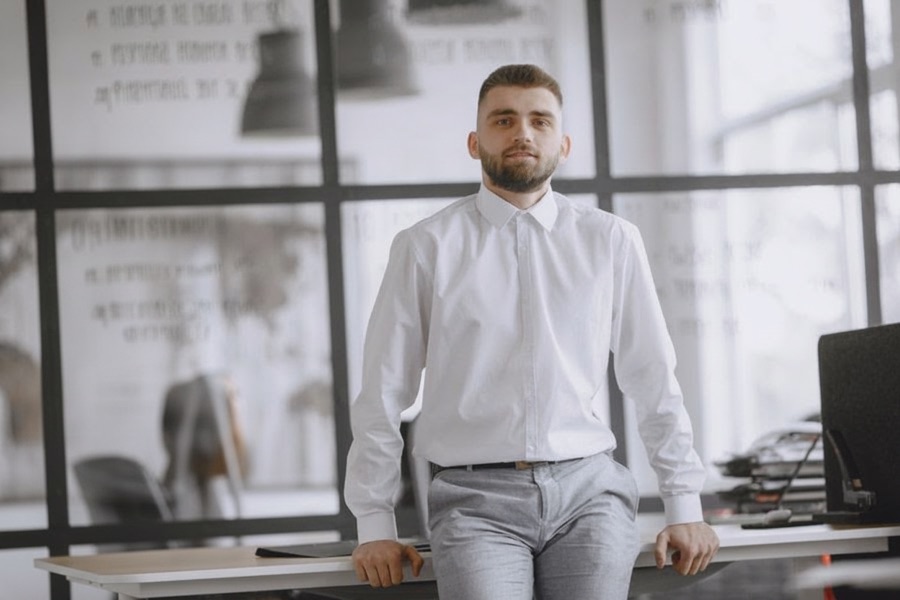
AI Object Remover
Type what you want gone, like a stranger or a trash can, and the AI removes it and fills in the background.
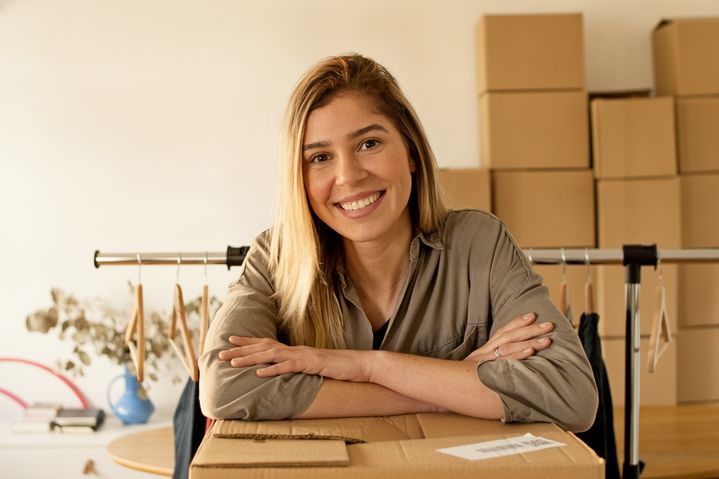
AI Relight
Pick golden hour, studio, neon, moonlight or window light. The subject and composition are kept, and only the light changes.
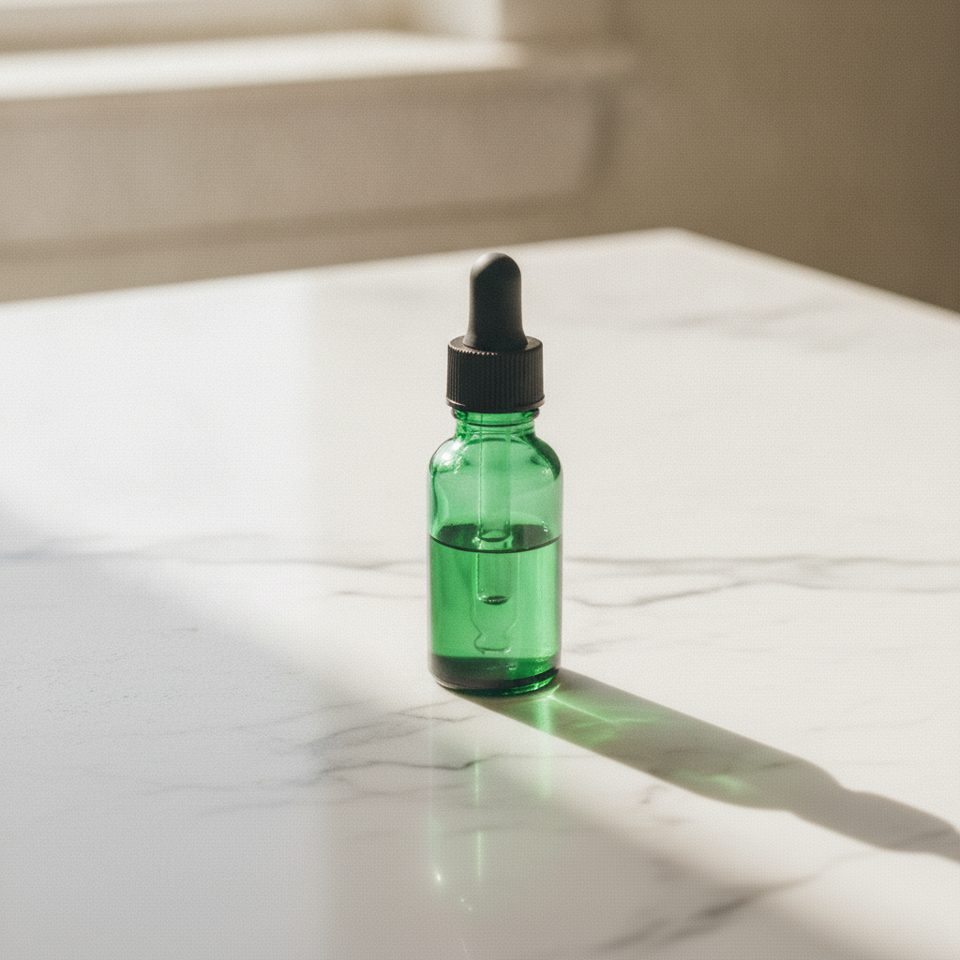
AI Product Photo
Turn a simple product snapshot into a studio-quality photo for your store.
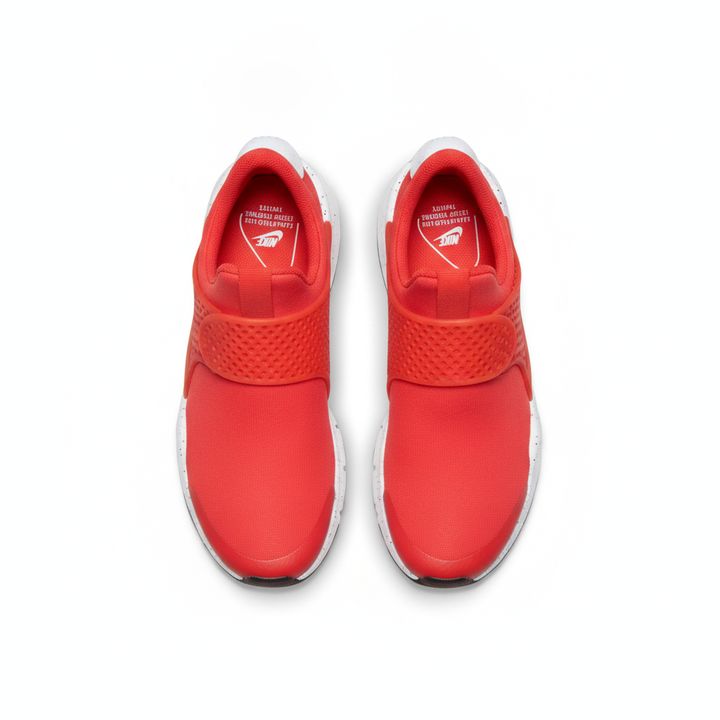
White Background Maker
Upload a product snapshot and get it back on a clean, plain background with a soft shadow, ready for your store.
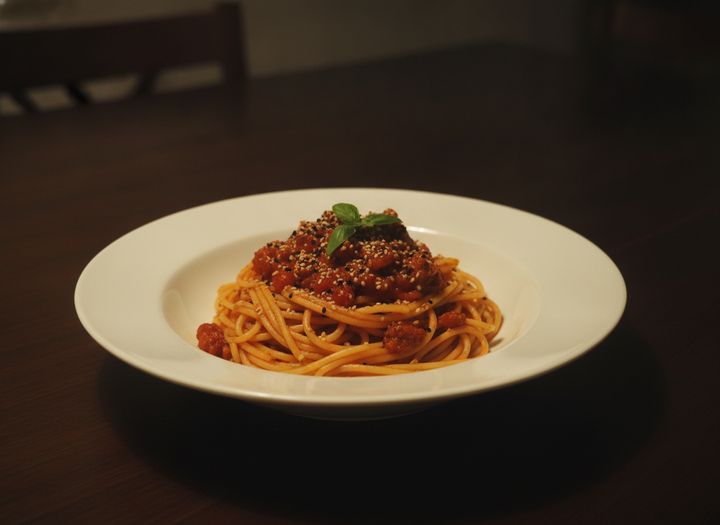
AI Food Photography
Turn a quick snapshot of a dish into an appetizing, professional-looking food photo for your menu, delivery app or social posts.
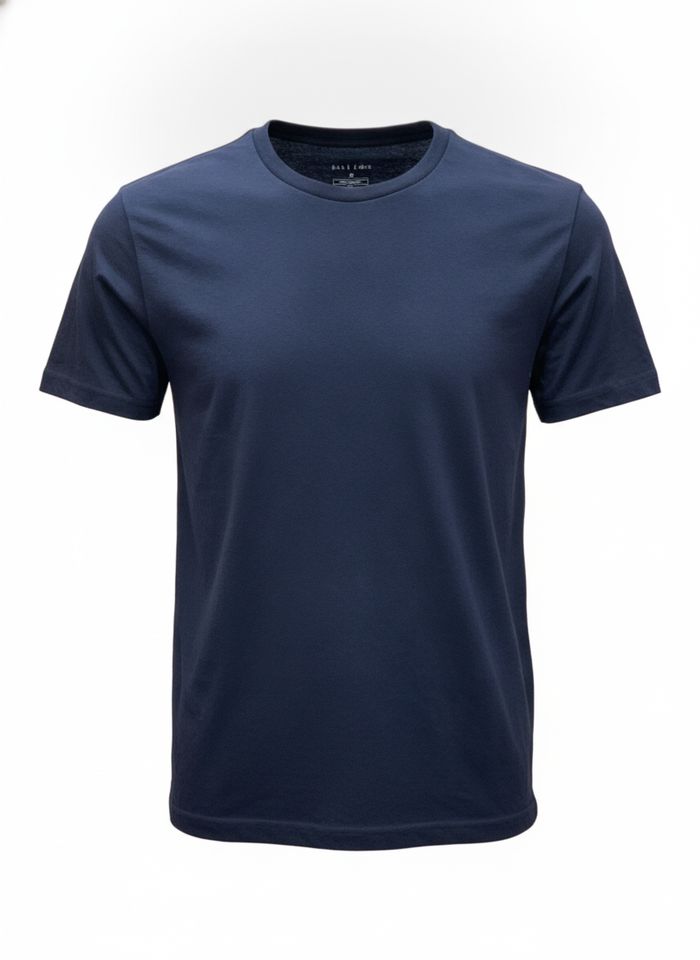
Ghost Mannequin Maker
Upload clothing on a mannequin or a model and get a hollow-body garment shot on white, ready for your product pages.

AI Headshot Generator
Get a professional headshot for LinkedIn or your resume from one selfie. No photographer needed.
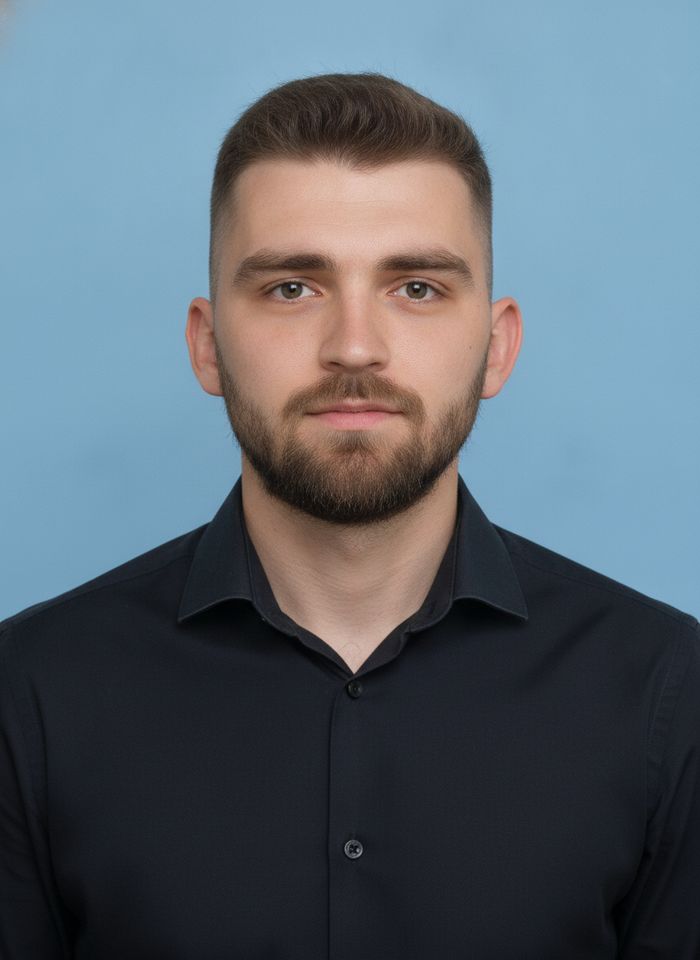
AI ID Photo Maker
Turn one photo of yourself into a formal, front-facing ID-style photo on a white, blue or red background.
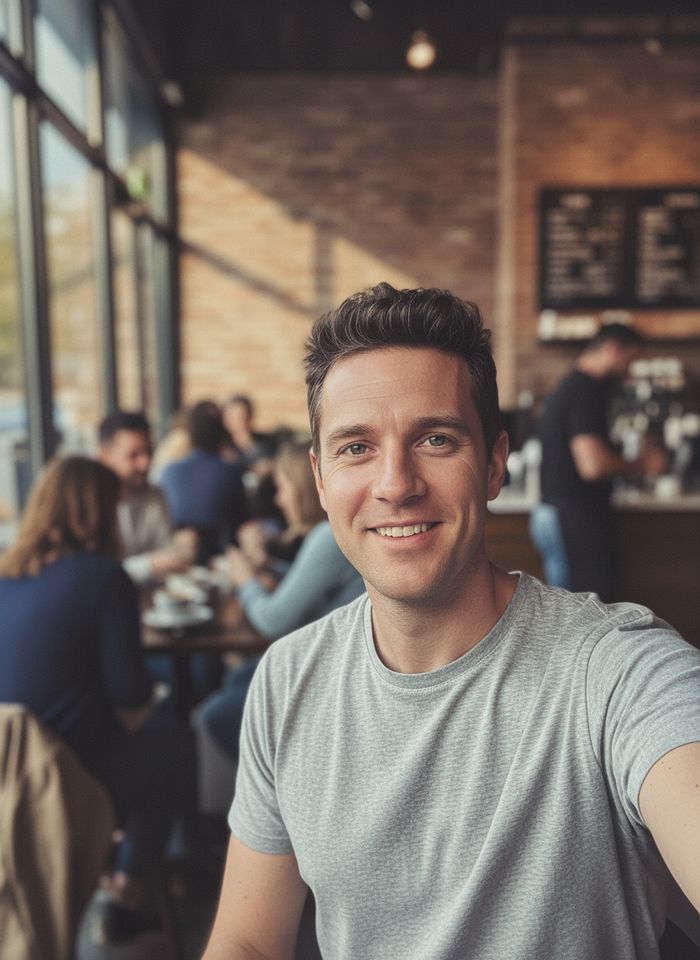
AI Portrait Retouch
Upload a portrait and get smoother skin, a more even tone and brighter eyes, with the shape of your face left as it is.
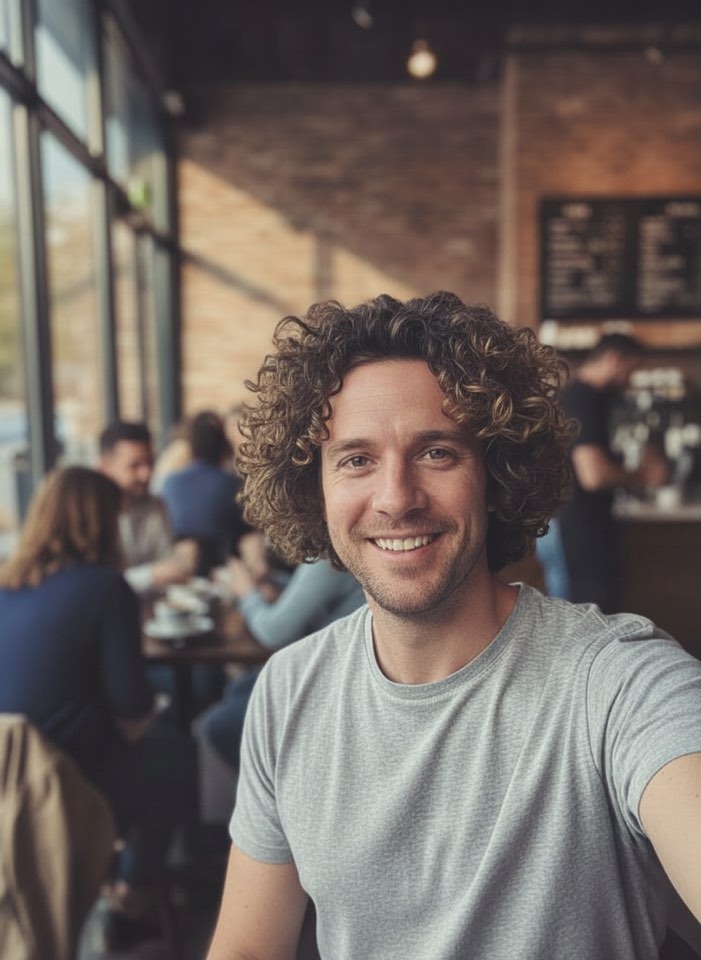
AI Hairstyle Changer
Upload a photo and see how a new haircut would look on you before you visit the salon.
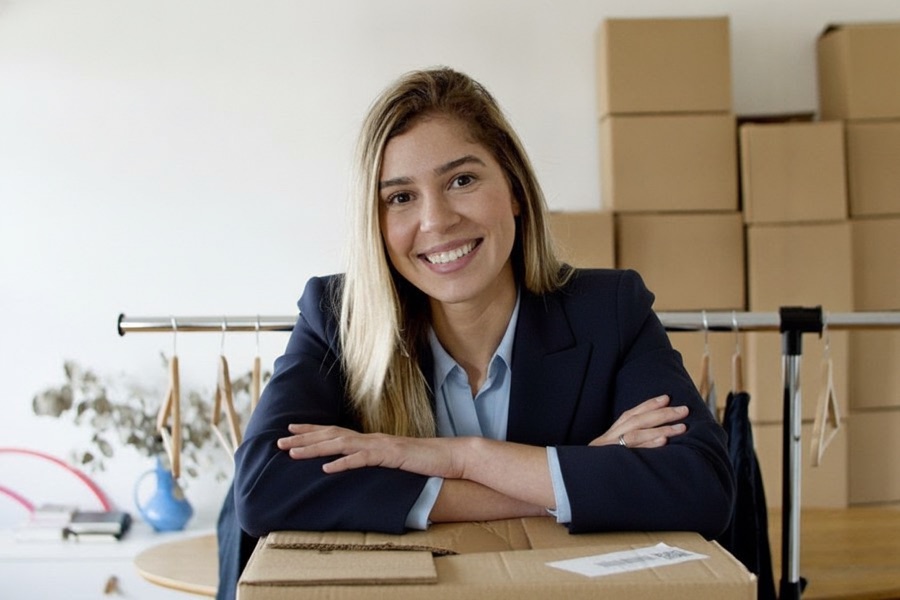
AI Clothes Changer
Upload a photo of yourself and try a new outfit. Pick a preset or describe the clothes in your own words.
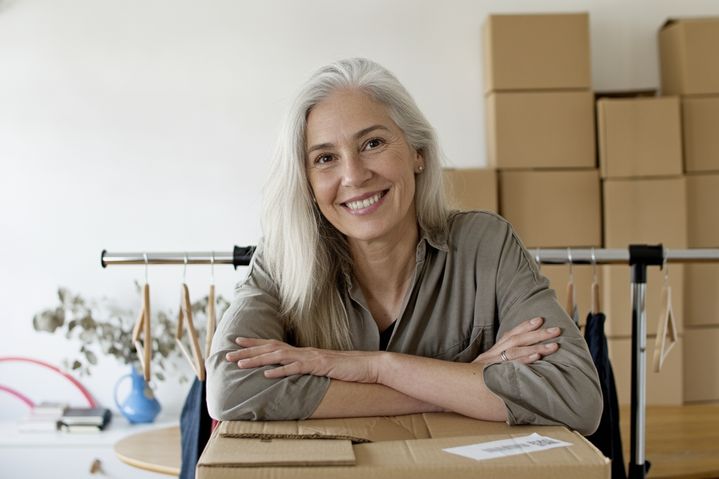
AI Age Changer
Upload a photo of yourself and see a younger or older version of you, from childhood to old age.
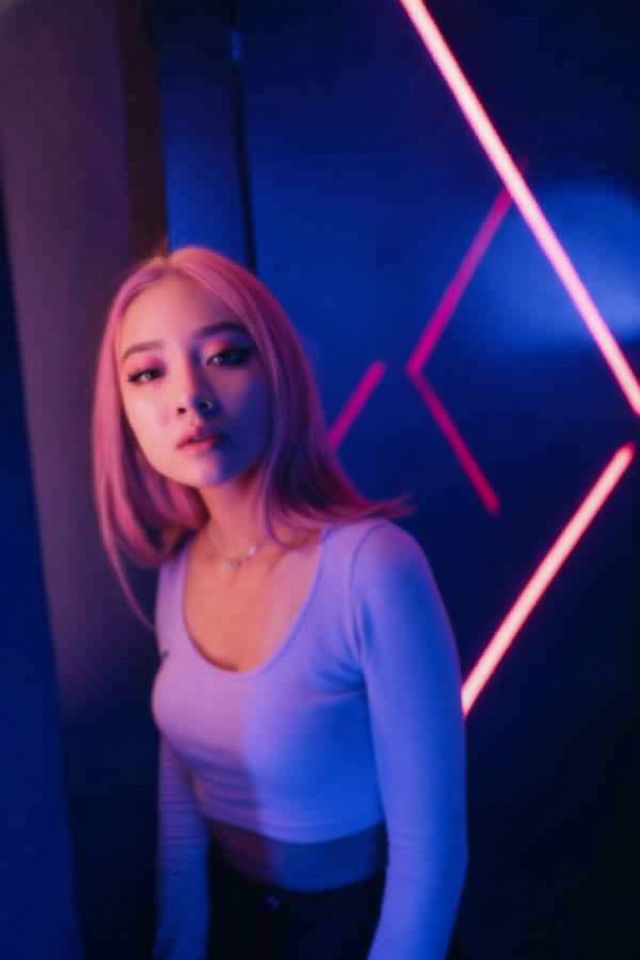
AI Photo Enhancer
Upload a soft, blurry or grainy photo, old or new, and get a sharper version with clearer faces and better color.
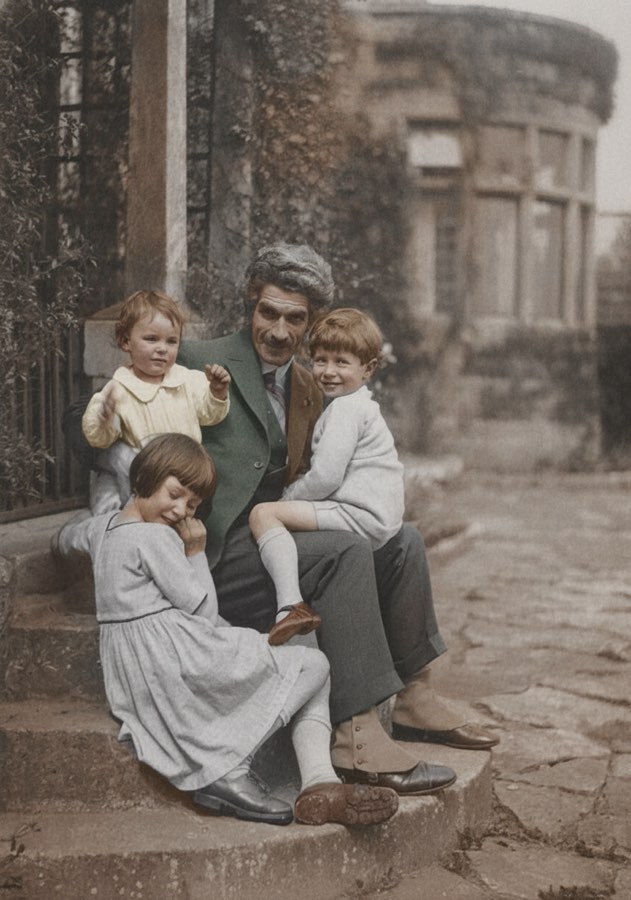
AI Photo Colorizer
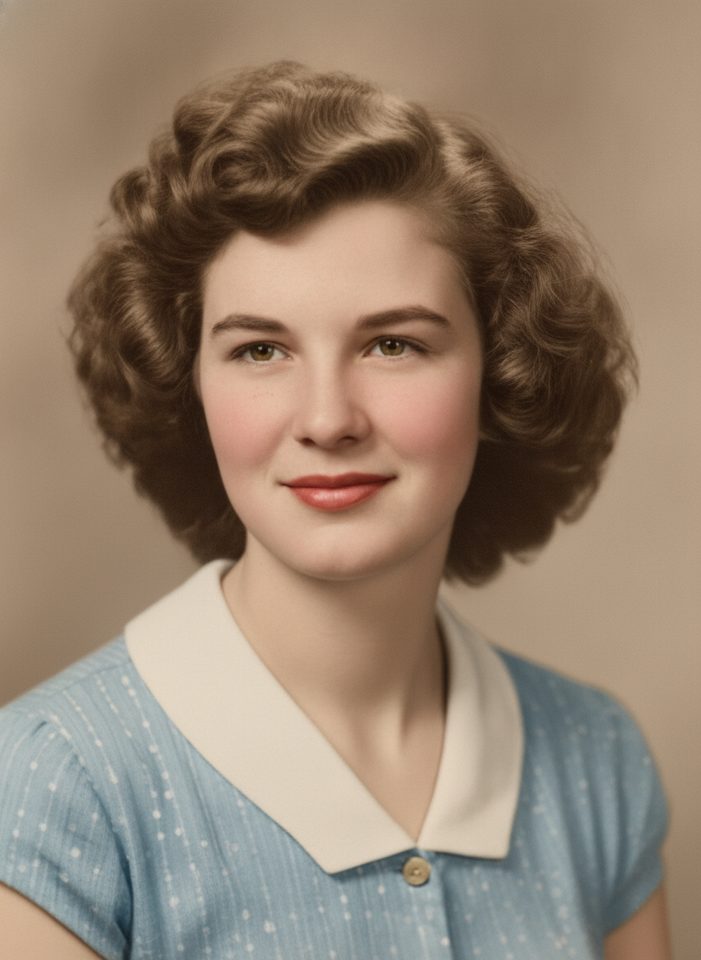
Add realistic, natural color to old black-and-white photos.
Scratch & Tear Repair
Upload a damaged print. AI fills in scratches, cracks, creases and stains, and can add natural color too.
Before and after
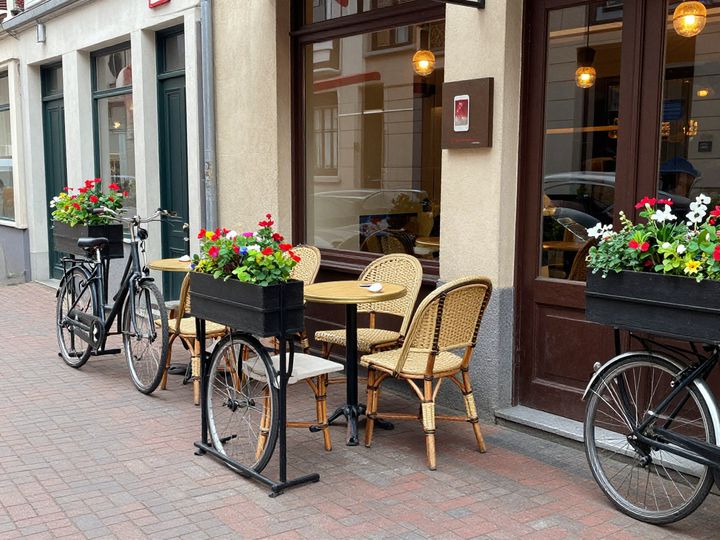
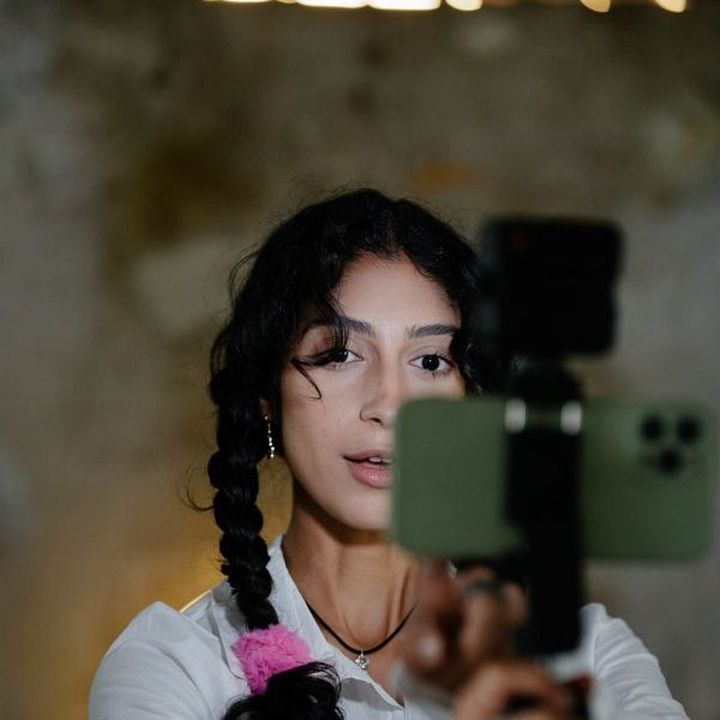
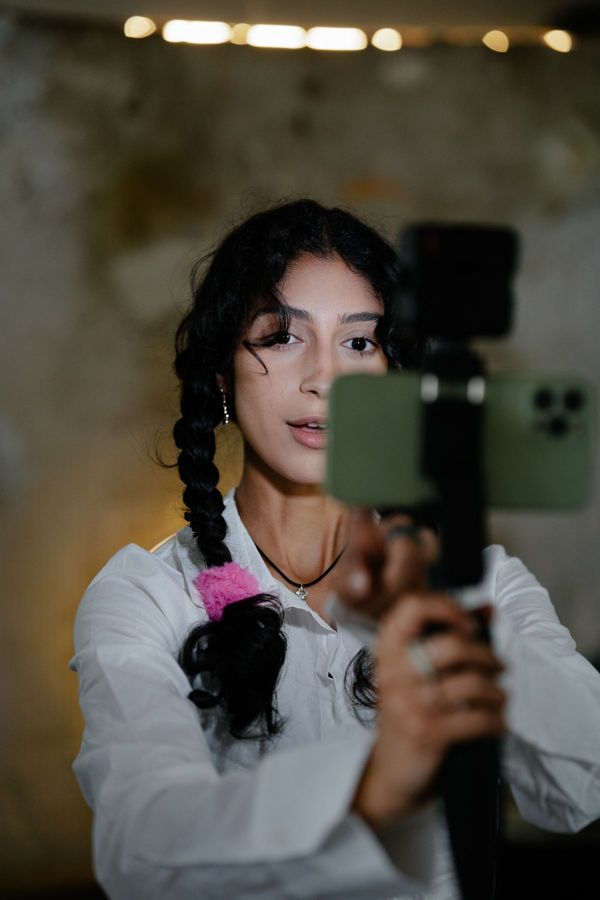
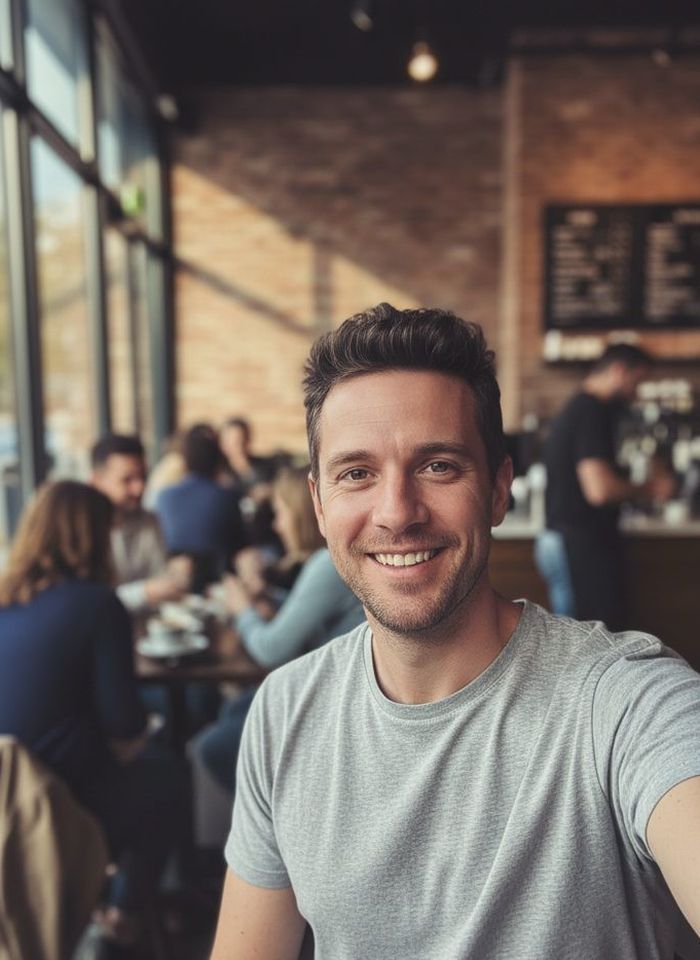
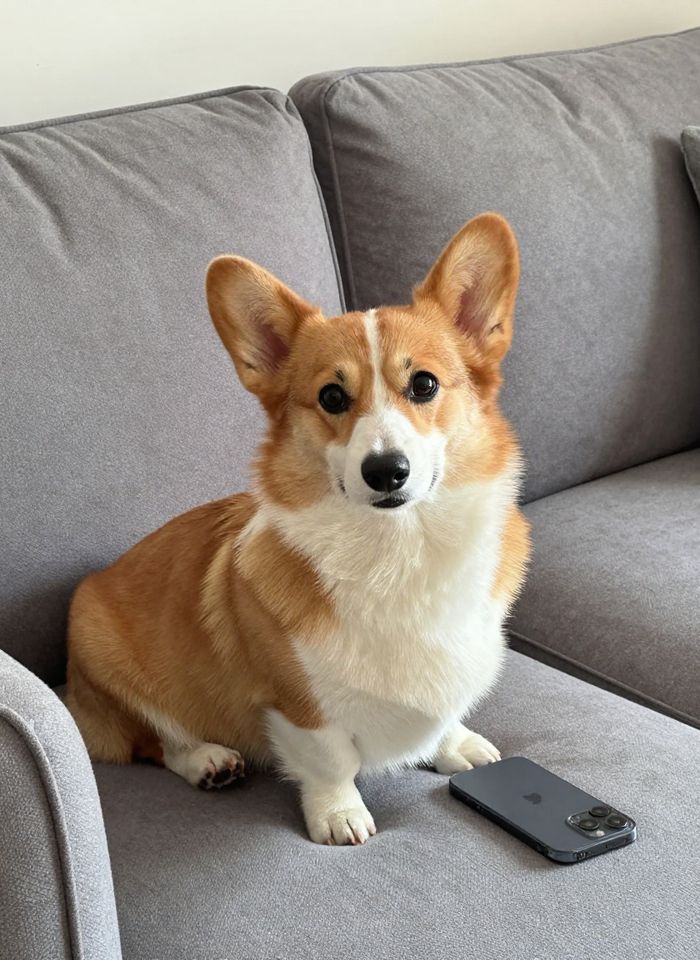
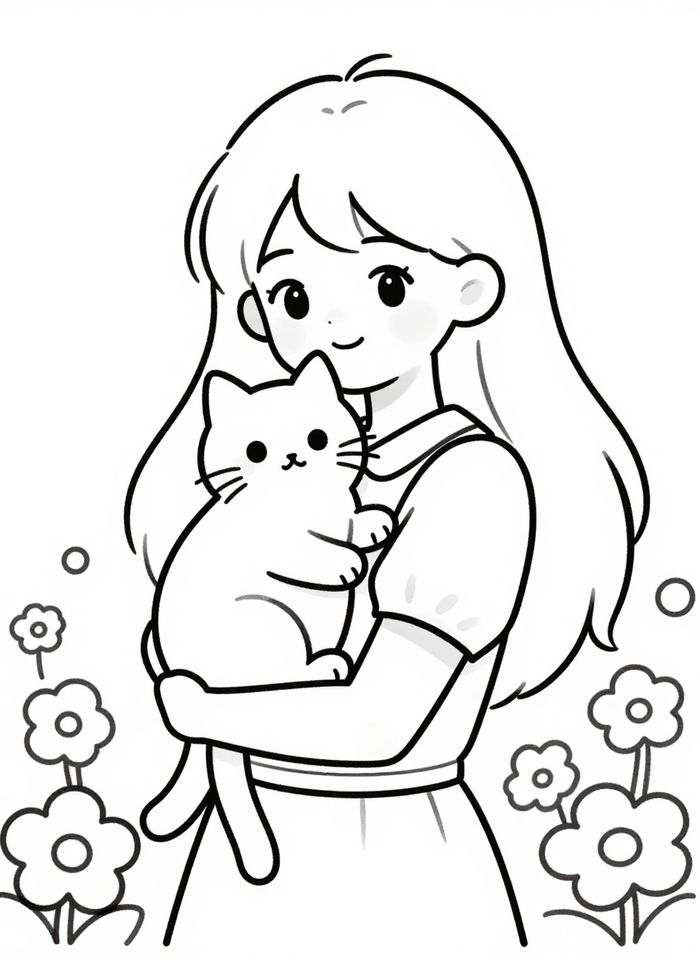
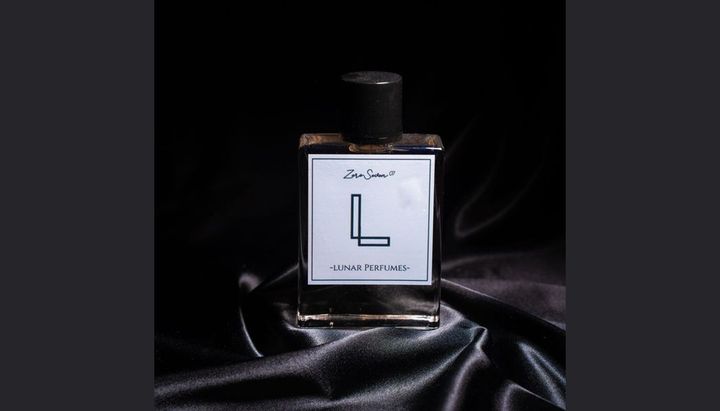
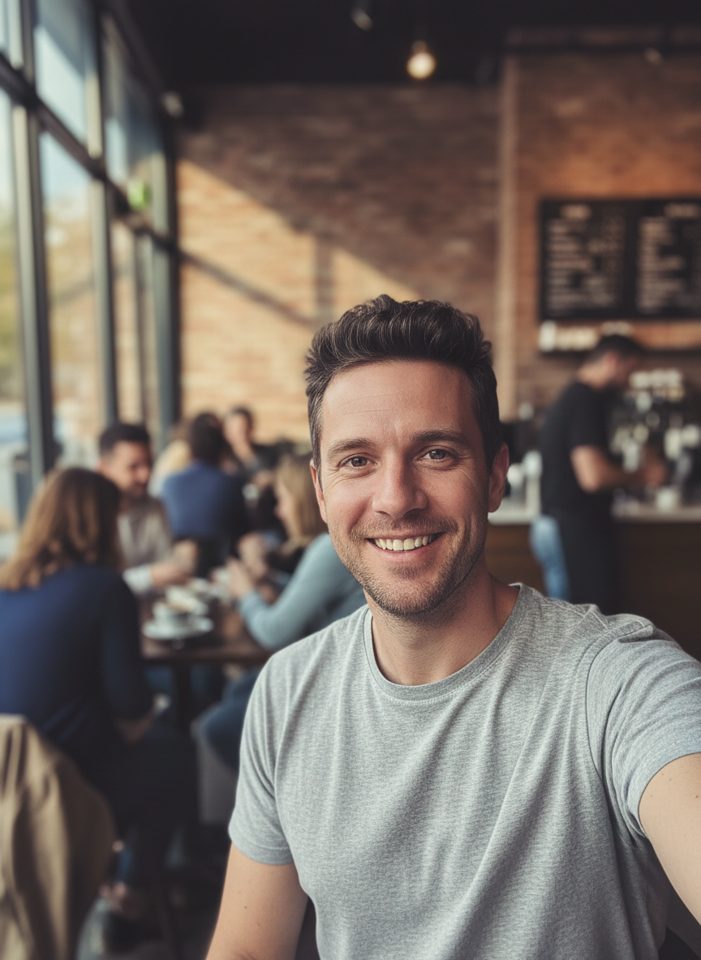
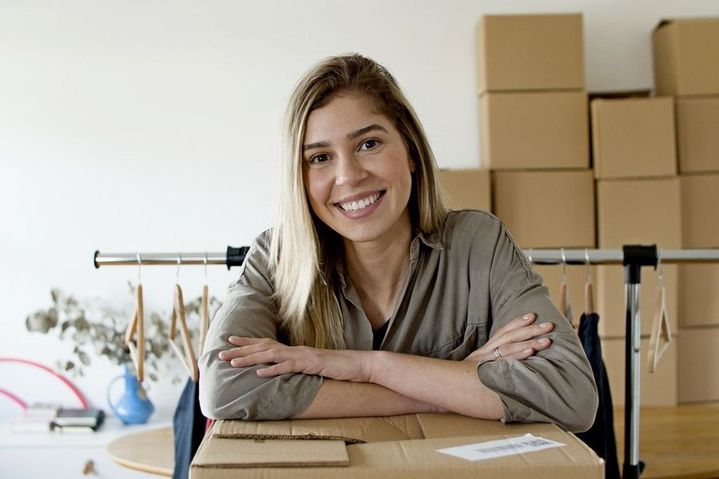
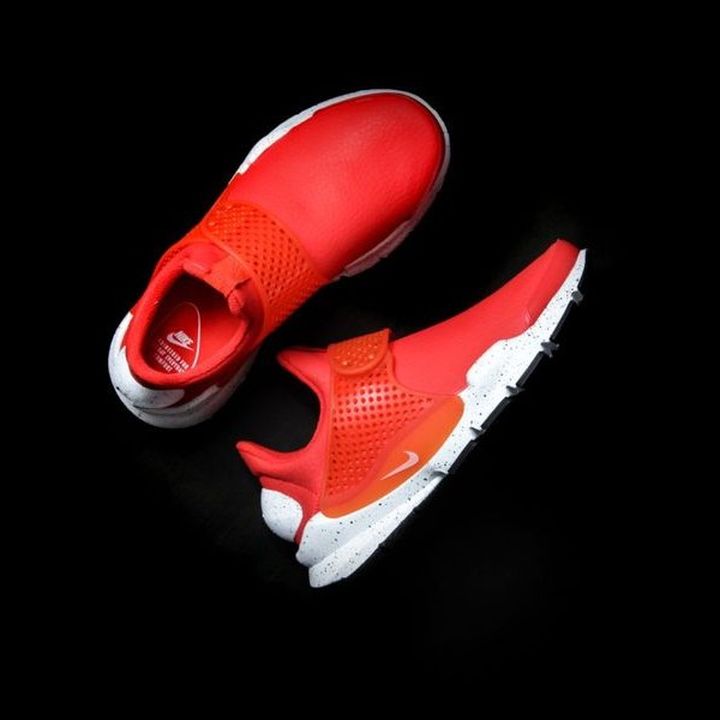
Results from the photo tools. Drag the slider on any picture to compare it with the original.
 BeforeAfter
 BeforeAfter
 BeforeAfter
 BeforeAfter
 BeforeAfter
 BeforeAfter
 BeforeAfter
 BeforeAfter
 BeforeAfter
 BeforeAfter
 BeforeAfter
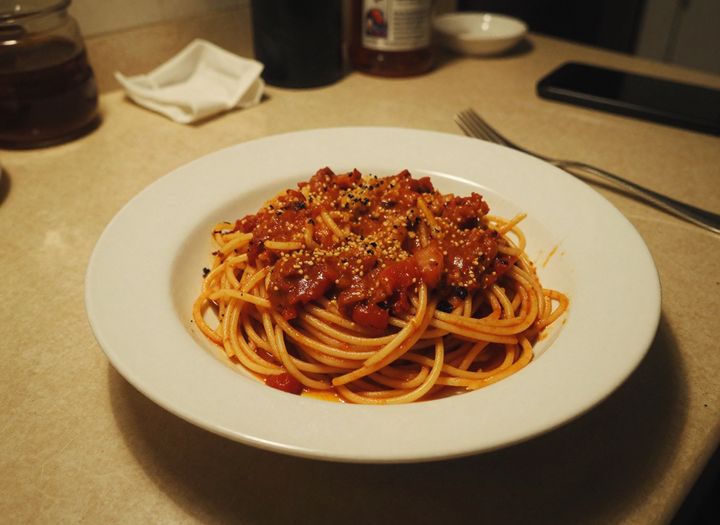 BeforeAfter
One set of models, a tool for each job
Text to Image and Image to Image are the open-ended tools: you write the whole prompt and pick the model. The model pages do the same with one model fixed. The task tools work the other way round: each has a prompt already written for one job, such as a logo, a poster, a sticker or a new background, so you choose a preset and add a few words.
Not sure where to start? Use Text to Image for a new picture, Image to Image to change or combine pictures you already have, and a task tool when it matches what you need. Every tool uses the same credits, and a failed generation is refunded automatically.