Nano Banana Pro image generator and photo editor
Google's Gemini 3 Pro Image, the larger Nano Banana model. Write a prompt, add a reference photo if you like. 60 credits per image.
How to use Nano Banana Pro
- 1
Write a detailed prompt. Upload a reference photo if you want to edit it or keep a subject.
- 2
Pick an aspect ratio and click Generate. Pro takes longer than Nano Banana 2, so give it a moment.
- 3
Download the image, or find it later in My Images.
What is Nano Banana Pro?
Nano Banana Pro is the nickname of Gemini 3 Pro Image, the largest and highest-quality Google image model on this site. Compared with the original Nano Banana (Gemini 2.5 Flash Image) and the faster Nano Banana 2 (Gemini 3.1 Flash Image), it renders text more reliably, holds detail better and makes steadier edits, so the parts you didn't ask to change are more likely to stay as they were. The trade-off is time and price. It is slower, and each image costs 60 credits, twice the Flash models, because a larger model needs more time and computing for every image. Use it for posters, labels, product shots and final versions.
Why choose Nano Banana Pro
Text you can read
Nano Banana Pro renders headlines, labels and signs more reliably than the Flash models, which matters for posters, menus, packaging mockups and slides. Put the exact words in quotes and check the spelling.
Steadier edits
Upload a reference photo and ask for one change. Pro is better at leaving the rest alone, so faces, logos and backgrounds you didn't mention are more likely to stay as they were.
The highest quality of the three
Of the three Nano Banana models on this site, Pro gives the highest image quality. Use it when a picture goes on a product page, into a pitch deck or onto a printed flyer.
A clear price: 60 credits per image
Pro is a larger, slower model, so each image costs 60 credits instead of 30. The price is shown on the Generate button, and failed generations are refunded automatically.
What to make with Nano Banana Pro
Posters and flyers
Event posters, sale flyers and menu boards, where the headline needs to be spelled right and easy to read rather than just shapes that look like letters.
Product and packaging images
Product shots and packaging mockups with a label, a brand name or a short slogan, for a store listing, an ad draft or a pitch to a client.
Careful edits to important photos
Change the background or the light in a portrait, a team photo or a listing image when the rest of the picture should change as little as possible.
Final versions of your drafts
Explore ideas with Nano Banana 2 at 30 credits, then run the prompt you picked on Pro for the version you publish, print or send to a client.
Tips for better Nano Banana Pro images
Put the exact words in quotes and say where they go, for example: headline “Summer Sale” at the top in bold white letters. Short phrases come out right more often than full sentences.
Since each image costs 60 credits, settle the idea first. Test the composition and wording on Nano Banana 2, then switch to Pro for the final run.
Describe the layout as well as the subject: what sits in the foreground, where the text goes, the light, the main colors and the style. A clear brief means fewer paid reruns.
For edits, upload the sharpest, largest photo you have and ask for one change at a time. Name what should stay, such as “keep the face, the logo and the table as they are”.
Simple, credit-based pricing
Every tool runs on the same credits. One image is 30 credits (60 with Nano Banana Pro), and failed generations are refunded.
Starter
For occasional images
- About 75 images per month
- About $0.13 per image
- 2,250 credits
- All 34 AI image tools
- Commercial use
- Failed generations refunded
Plus
For regular use
- About 150 images per month
- About $0.13 per image
- 4,500 credits
- All 34 AI image tools
- Commercial use
- Failed generations refunded
- Priority support
Business
For teams, agencies and high volume
- About 300 images per month
- About $0.13 per image
- 9,000 credits
- All 34 AI image tools
- Commercial use
- Failed generations refunded
- Dedicated support
Monthly and yearly plans renew automatically at the end of each period until you cancel, and you can cancel anytime in Settings. Credit packs are one-time purchases that never renew; their credits last 1 year. Prices include tax.
Nano Banana Pro FAQ
- What is Nano Banana Pro, and is this the official site?
- Nano Banana Pro is Google's Gemini 3 Pro Image, the highest-quality Google image model offered here. We are an independent service that runs it through an API. We are not affiliated with Google, and this is not an official Google site.
- How is Nano Banana Pro different from Nano Banana and Nano Banana 2?
- The original Nano Banana (Gemini 2.5 Flash Image), used in our Nano Banana AI Photo Editor, and Nano Banana 2 (Gemini 3.1 Flash Image) are fast Flash models at 30 credits. Pro is a larger model with better image quality, more readable text and steadier edits, but it is slower and costs 60 credits.
- Why does Nano Banana Pro cost 60 credits per image?
- Each image costs 60 credits, twice the 30 credits of Nano Banana 2, because Pro is a larger model that needs more time and computing to make each higher-quality image. If a generation fails, the credits are refunded automatically.
- What resolution are Nano Banana Pro images?
- Standard 1K resolution, about 1024 pixels on the long side, the same as Nano Banana 2. Pro's advantage is detail, text and edit stability, not pixel size. Higher resolutions are not offered on this page.
- How do I use a reference image?
- Upload a photo next to your prompt to edit it or to use it as a reference for a new image. Pro is good at changing only what you ask for. With a photo of a person, the tool keeps who they are and won't swap in a different face. Uploads are moderated.
- Can I use Nano Banana Pro images commercially?
- Yes. You can use the images you create, including for commercial projects, subject to our terms of service. Make sure you have the rights to any photo you upload. Every image is saved in My Images, so you can download it again later.
- Is Nano Banana Pro better at text in images?
- Yes. It renders text more reliably than the Flash models, so it is the one to use for posters, labels and signs. Put the exact words in quotes. Long sentences and very small lettering can still come out wrong, so always check the spelling.
- Why is Nano Banana Pro slower?
- It is a larger model and spends more time on each image, so expect a longer wait than with Nano Banana 2. If you need many quick variations, draft with Nano Banana 2 and use Pro for the final image.
Related guides
BlogHow to Write an Image Prompt That Works
A four-part way to write prompts for an AI image generator: subject, style, lighting and composition, with five example prompts to copy and change.
Text to Image vs Image to Image: When to Use Which
Text to image starts from words; image to image starts from a picture you already have. How the two differ here, when each one fits, and how to use them together.
Choosing an Image Size and Aspect Ratio
Which aspect ratio to generate for where the image will be used: 1:1, 3:4, 4:3, 9:16 or 16:9, what a 1K image is good for, and how to avoid cropping later.
More AI tools
All tools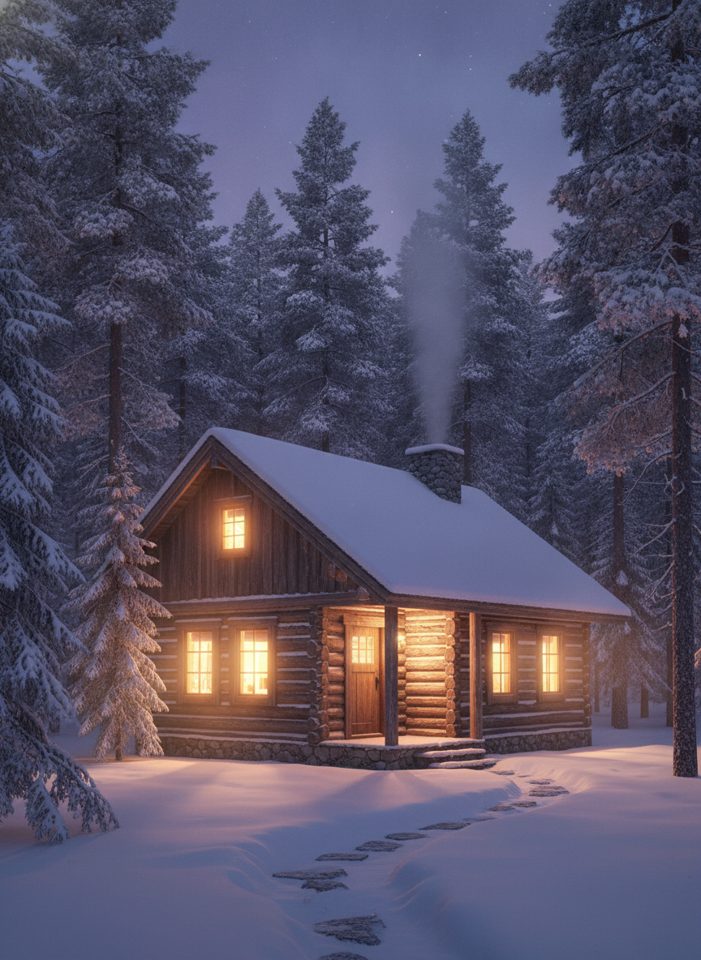
Text to Image
Describe what you want, choose a model, and turn your text into a 1K image.
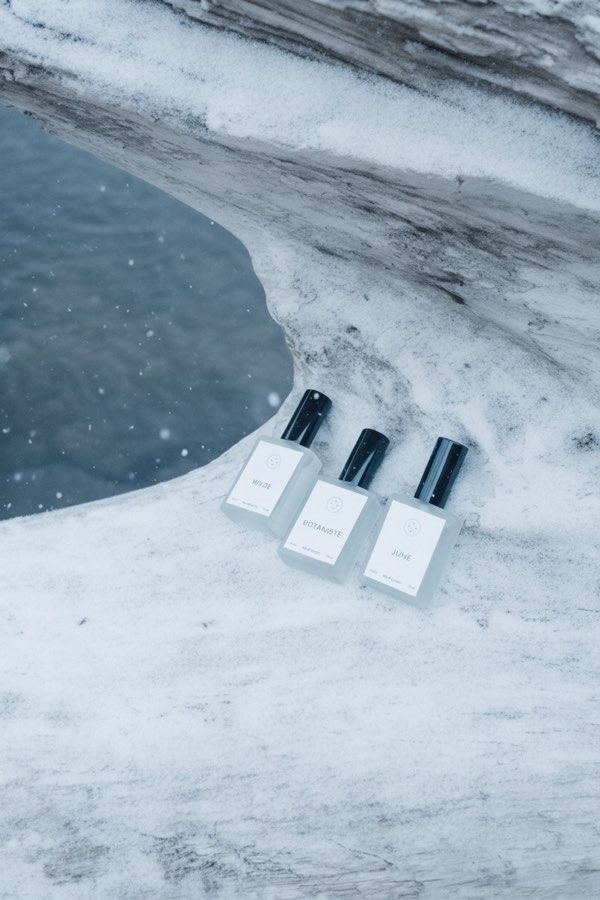
Image to Image
Upload one to four images, describe what you want, and get a new 1K image built from them.
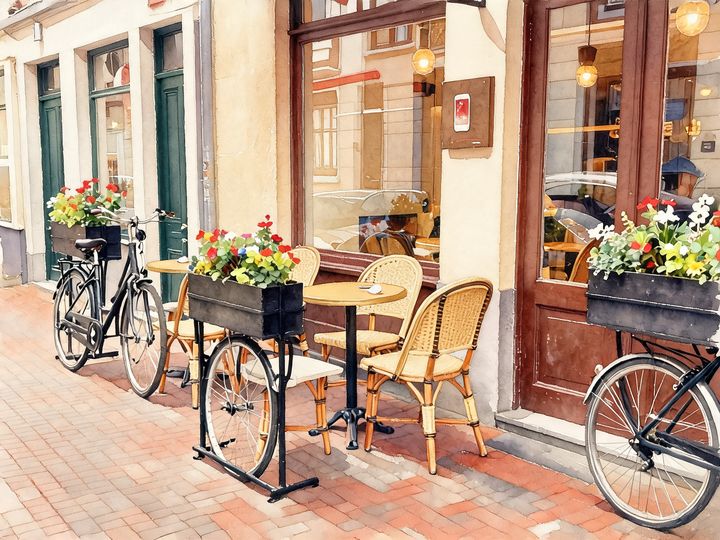
AI Style Transfer
Redraw any photo as a watercolor, oil painting, pencil sketch, pixel art, pop art or ukiyo-e print, keeping the subject and composition.
AI Logo Maker
Type your brand name and what you do, and get logo ideas in the style you pick.
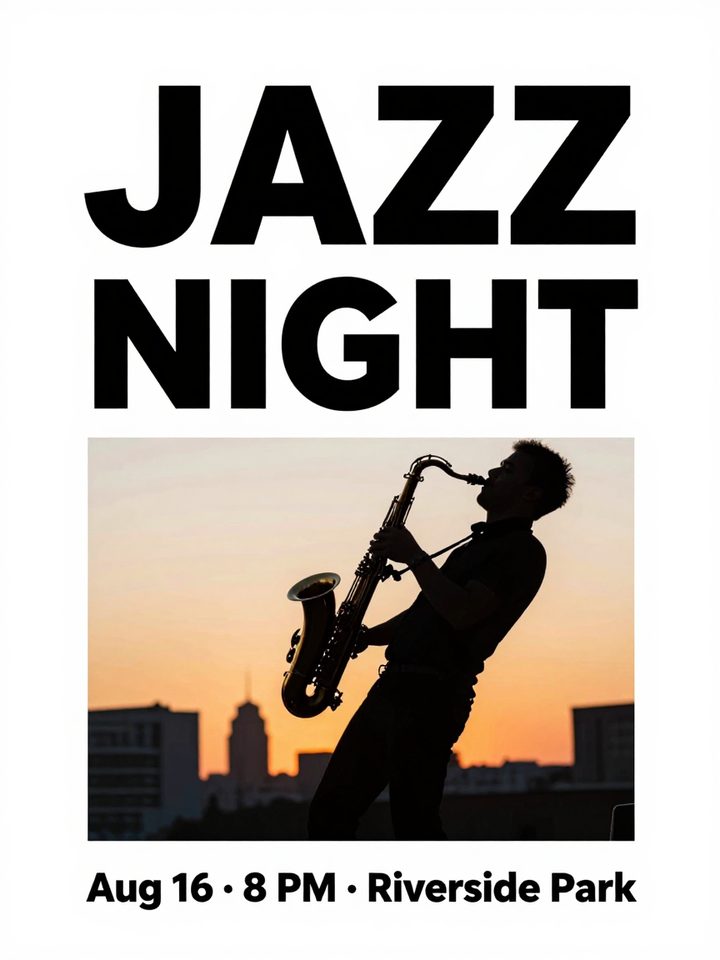
AI Poster Maker
Describe what the poster is for, add your headline, and get a finished design to share or print.
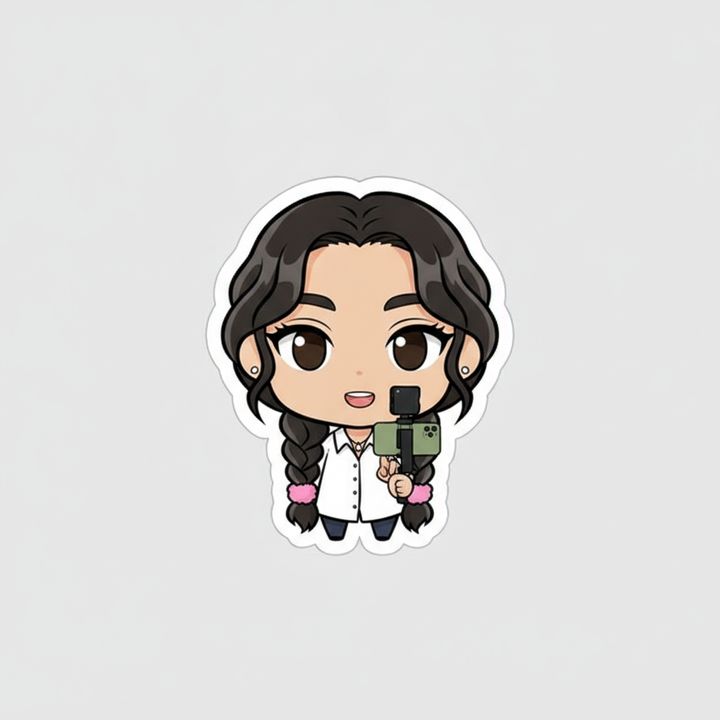
AI Sticker Maker
Upload a photo of yourself or your pet and turn it into a cute, chibi or emoji-style sticker with a white die-cut outline.
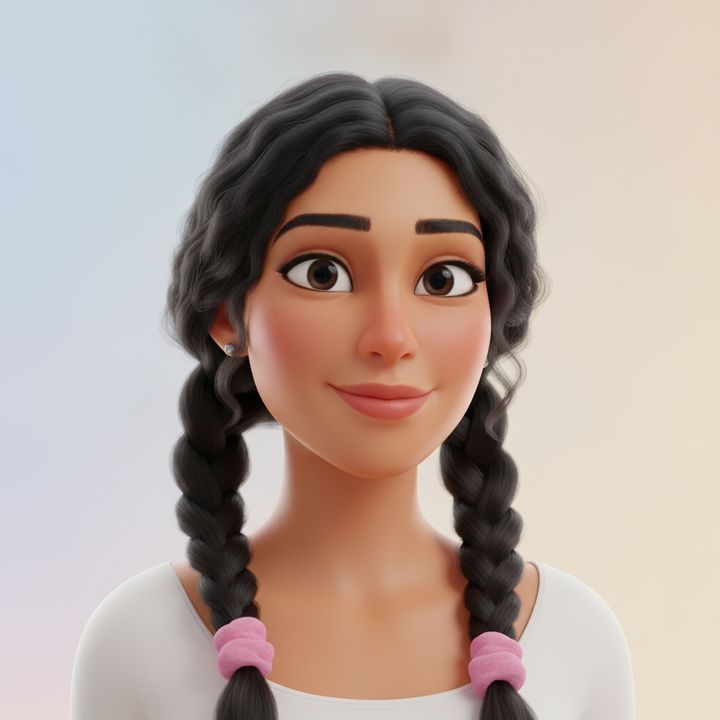
AI Avatar Maker
Turn a photo of yourself into a cartoon, pixel art or clay avatar for your profile picture.
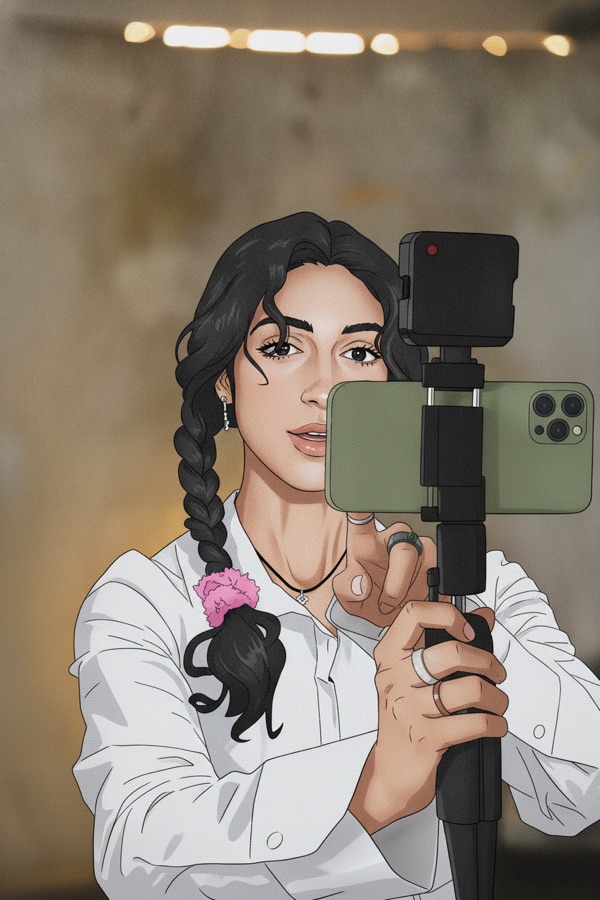
Photo to Anime
Upload a photo and redraw it as anime, manga or a 3D cartoon, keeping the pose, outfit and composition of the original.
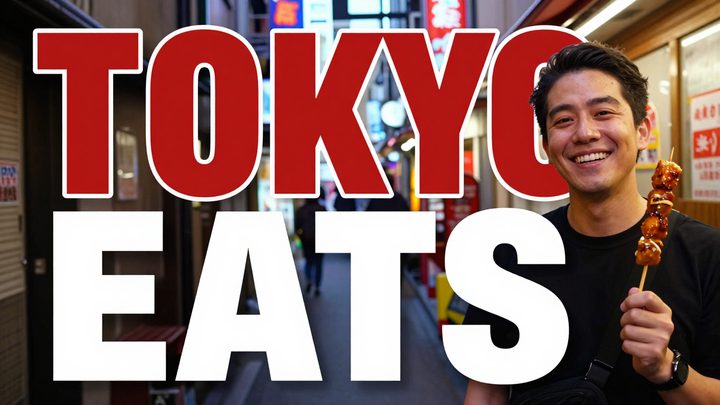
AI Thumbnail Maker
Type your video topic and title, and get a thumbnail with your title in big, readable text.