AI Hairstyle Changer
Upload a photo and see how a new haircut would look on you before you visit the salon.

 BeforeAfter
How to try a new hairstyle with AI
- 1
Upload a clear photo where your face and hair are visible.
- 2
Pick a hairstyle and, if you like, add a color or detail.
- 3
Compare the result and save the look you want to show your stylist.
Try a haircut before you commit
A new haircut is hard to undo, and hard to picture from a photo of someone else. Upload a photo of yourself, pick a style such as a bob, long waves, curls, a pixie cut, a buzz cut or a slicked-back look, and the AI changes only your hair. Your face, expression, outfit and background stay the same, so you judge the cut on you rather than on a model. Add a note like "copper red" or "side part" to try a color or a detail, then show the result to your stylist.
What this AI hairstyle changer does well
Six cuts, short to long
Try a clean buzz cut, a textured pixie, a chin-length bob, voluminous natural curls, long soft waves or a neat slicked-back style, all on the same photo of you.
Easy side-by-side comparison
The tool is told to keep your face, pose, clothes and background, so you can put each result next to your original photo and compare looks without other changes getting in the way.
Try lengths you don't have yet
See long waves even if your hair is short today, or a buzz cut while it's still long, before you decide to grow it out or cut it off.
Build a shortlist in My Images
Every hairstyle you try is saved in My Images, so you can collect your favorites and show them to your stylist, your partner or friends when you are ready to decide.
Why people use an AI hairstyle changer
Before a salon visit
Test a big change, such as going short, without the risk.
Show your stylist
Bring a picture of the cut on your own face instead of trying to describe it.
Try hair colors
Type a color in the instructions box to see blonde, red or silver before you dye.
Events and fun
Plan a look for a wedding, a party or a photo shoot, or just see yourself in a new style.
Tips to try on hairstyles with better results
Pull your hair back or tie it loosely so your hairline and ears are visible. That gives the AI a clear outline for short cuts and slicked-back styles.
Use a photo with a plain background behind your head. Busy patterns or other people close to your hair make the edges of a bigger new style harder to draw.
Add one detail at a time in the instructions box, such as “curtain bangs” or “ash brown”. Several changes at once make it harder to tell which part you like.
Try the same style on two photos, one facing the camera and one at a slight angle. A cut can look different from the side, and stylists like to see both.
Simple, credit-based pricing
Every tool runs on the same credits. One image is 30 credits (60 with Nano Banana Pro), and failed generations are refunded.
Starter
For occasional images
- About 75 images per month
- About $0.13 per image
- 2,250 credits
- All 34 AI image tools
- Commercial use
- Failed generations refunded
Plus
For regular use
- About 150 images per month
- About $0.13 per image
- 4,500 credits
- All 34 AI image tools
- Commercial use
- Failed generations refunded
- Priority support
Business
For teams, agencies and high volume
- About 300 images per month
- About $0.13 per image
- 9,000 credits
- All 34 AI image tools
- Commercial use
- Failed generations refunded
- Dedicated support
Monthly and yearly plans renew automatically at the end of each period until you cancel, and you can cancel anytime in Settings. Credit packs are one-time purchases that never renew; their credits last 1 year. Prices include tax.
AI hairstyle changer FAQ
- What photo works best?
- A sharp, well-lit photo facing the camera, with your hair and the outline of your head visible and nothing covering your face.
- Will it change my face?
- The tool is told to change only the hair and keep your face, skin tone, expression, clothes and background. If something else changes, try another photo.
- Can I try a hair color?
- Yes. Pick a style and type the color in the optional instructions, for example "platinum blonde" or "dark auburn".
- Can I try hairstyles on someone else's photo?
- Only with their permission. Before you upload, you confirm that the photo is of you or that everyone in it has agreed.
- How realistic is the result?
- The new hair is matched to the lighting of your photo and usually looks natural. Your real hair type and length still decide what a stylist can do, so treat it as a preview.
- Which hairstyles can I try?
- Bob, long waves, curly, pixie cut, buzz cut and slicked back. Use the instructions box to add details such as bangs, a side part or a color.
- Does the AI hairstyle changer work for men?
- Yes. The styles aren't tied to gender. Buzz cut, slicked back and curly are common picks for men, and you can add details in the instructions box, such as “short on the sides” or “longer on top”.
- What if the hairstyle I want isn't on the list?
- Pick the closest style and describe the difference in the instructions box, for example a bob “with blunt bangs”. For a very different look, upload your photo to the Nano Banana editor and describe the hairstyle you want.
Related guides
BlogText to Image vs Image to Image: When to Use Which
Text to image starts from words; image to image starts from a picture you already have. How the two differ here, when each one fits, and how to use them together.
How to Write an Image Prompt That Works
A four-part way to write prompts for an AI image generator: subject, style, lighting and composition, with five example prompts to copy and change.
Choosing an Image Size and Aspect Ratio
Which aspect ratio to generate for where the image will be used: 1:1, 3:4, 4:3, 9:16 or 16:9, what a 1K image is good for, and how to avoid cropping later.
More AI tools
All tools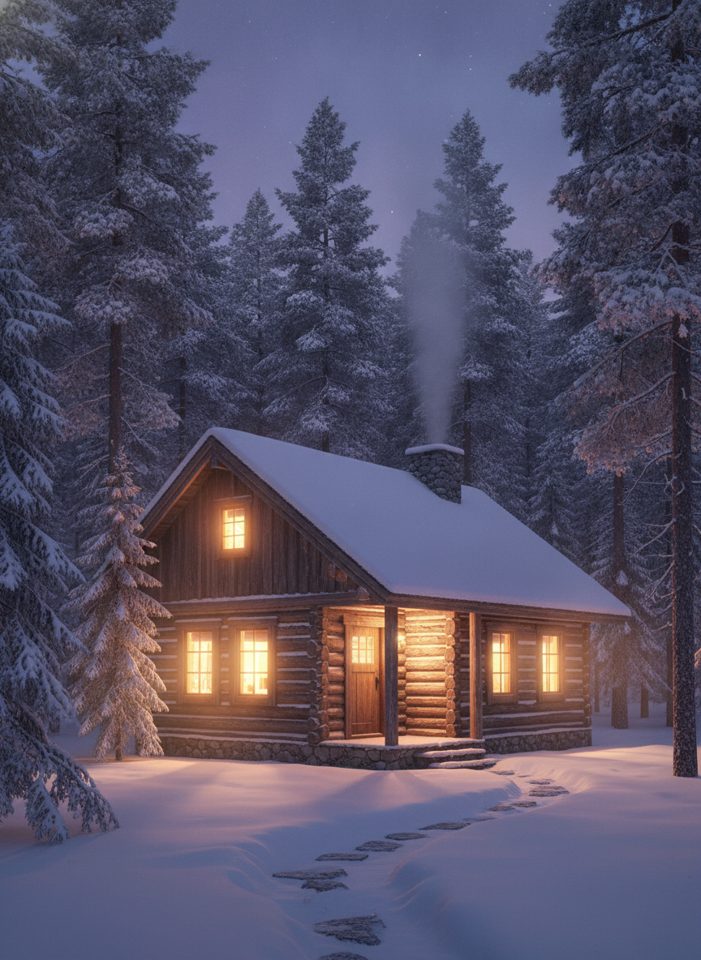
Text to Image
Describe what you want, choose a model, and turn your text into a 1K image.
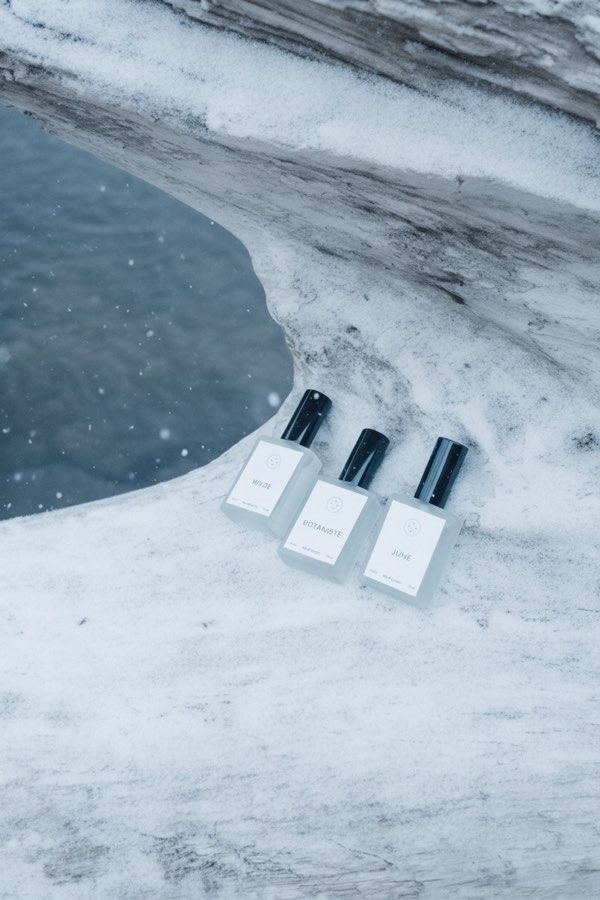
Image to Image
Upload one to four images, describe what you want, and get a new 1K image built from them.
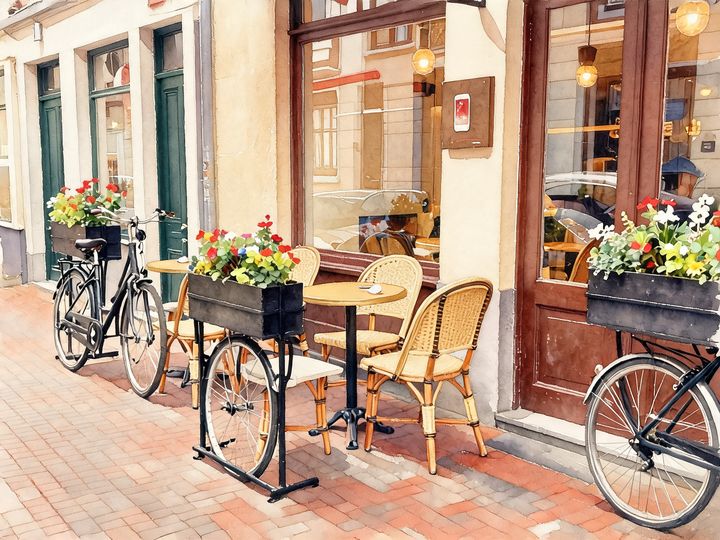
AI Style Transfer
Redraw any photo as a watercolor, oil painting, pencil sketch, pixel art, pop art or ukiyo-e print, keeping the subject and composition.
AI Logo Maker
Type your brand name and what you do, and get logo ideas in the style you pick.
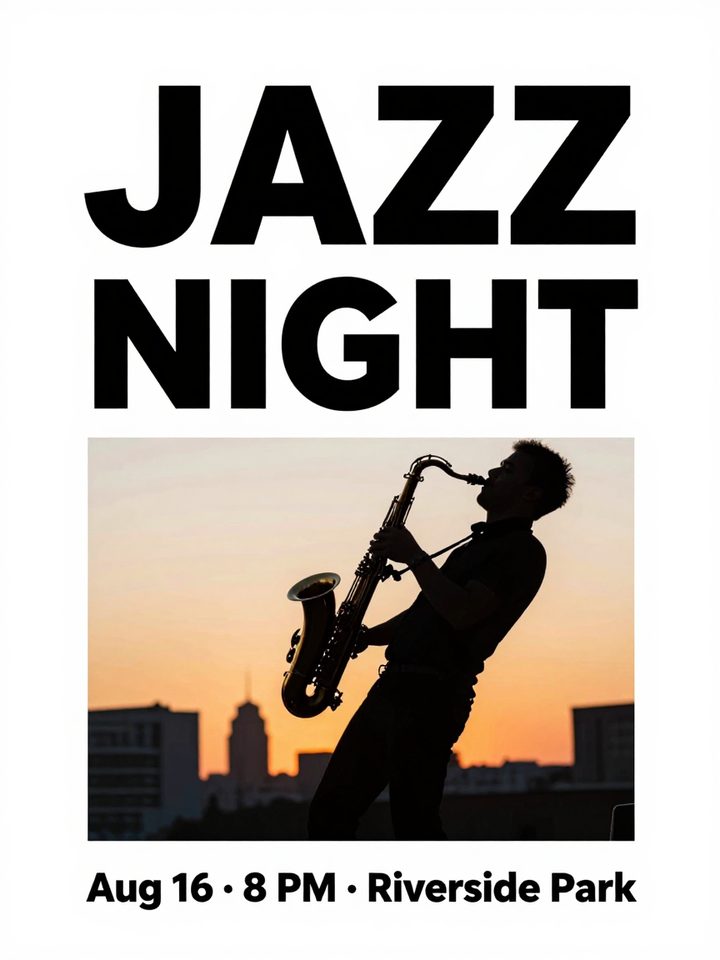
AI Poster Maker
Describe what the poster is for, add your headline, and get a finished design to share or print.
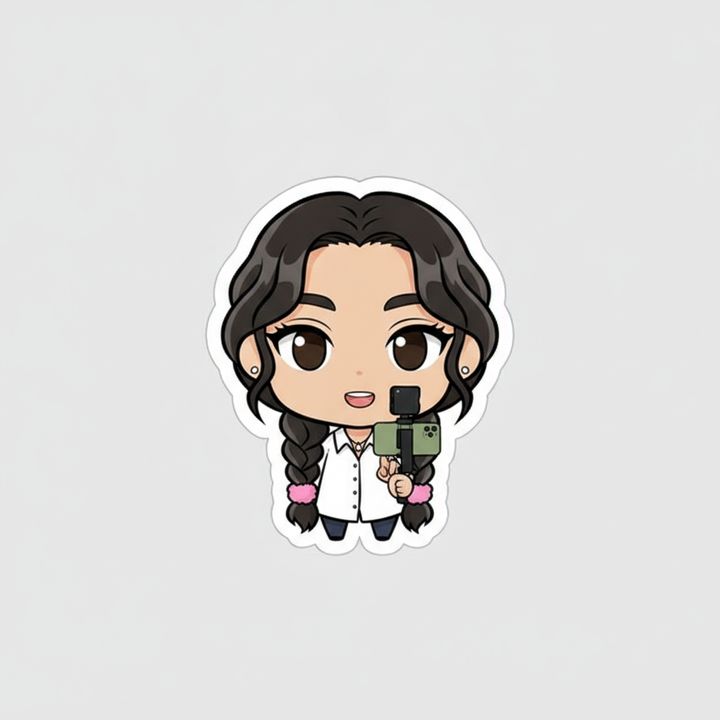
AI Sticker Maker
Upload a photo of yourself or your pet and turn it into a cute, chibi or emoji-style sticker with a white die-cut outline.
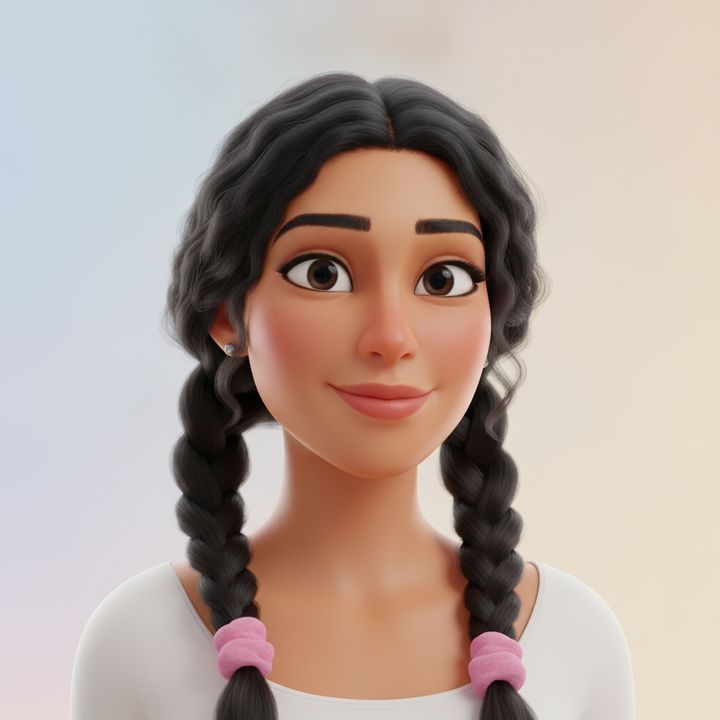
AI Avatar Maker
Turn a photo of yourself into a cartoon, pixel art or clay avatar for your profile picture.
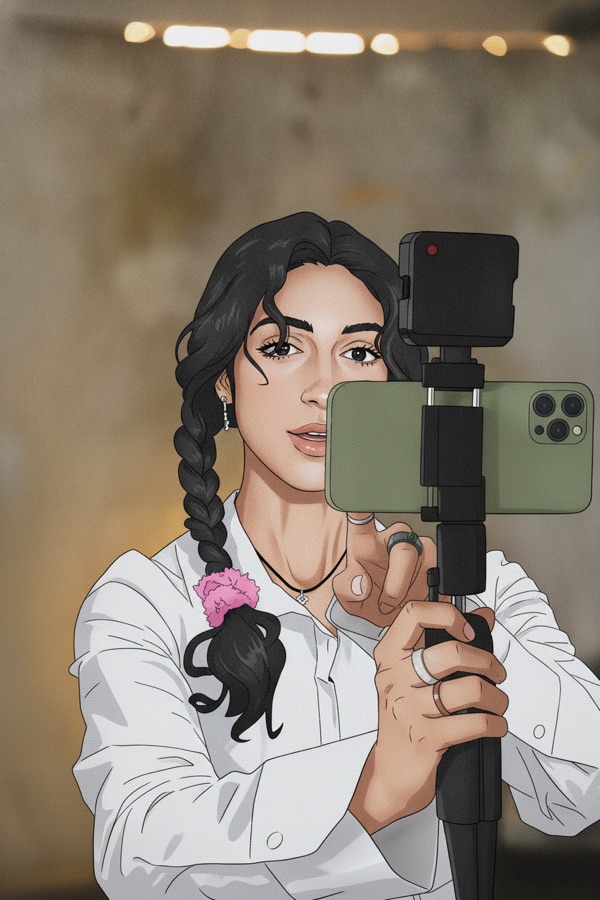
Photo to Anime
Upload a photo and redraw it as anime, manga or a 3D cartoon, keeping the pose, outfit and composition of the original.
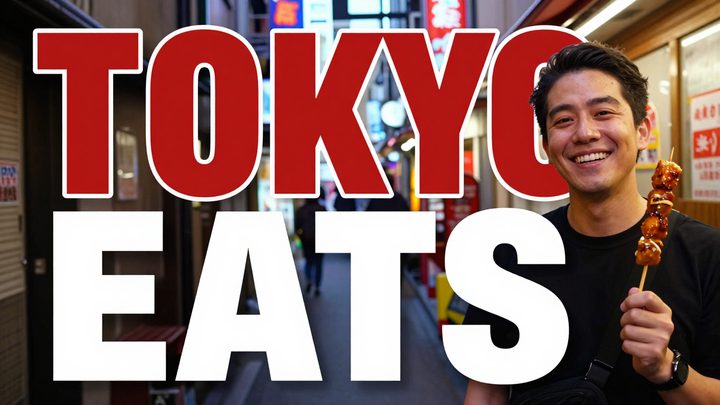
AI Thumbnail Maker
Type your video topic and title, and get a thumbnail with your title in big, readable text.