AI image generator · 8 models to choose from
Turn a text prompt
into an image
Describe the picture you want, pick a model and an aspect ratio, and download the result. Text to image with Z-Image, Nano Banana, Seedream and GPT Image models.
Most models cost 30 credits per image. If a generation fails, the credits are returned automatically.
Images and the prompts behind them
Each image was made with the tools on this site. Under it is the prompt that was typed and the page that made it.
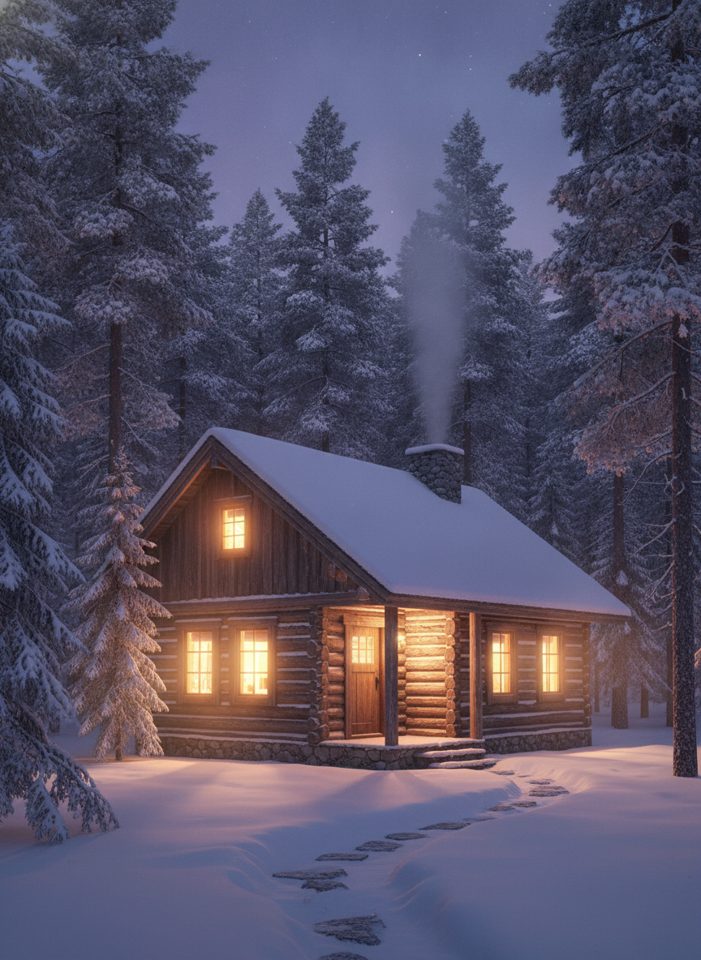
Text to Image
“Cozy wooden cabin in a snowy pine forest at dusk, warm light glowing in the windows, cinematic, highly detailed”
Try this prompt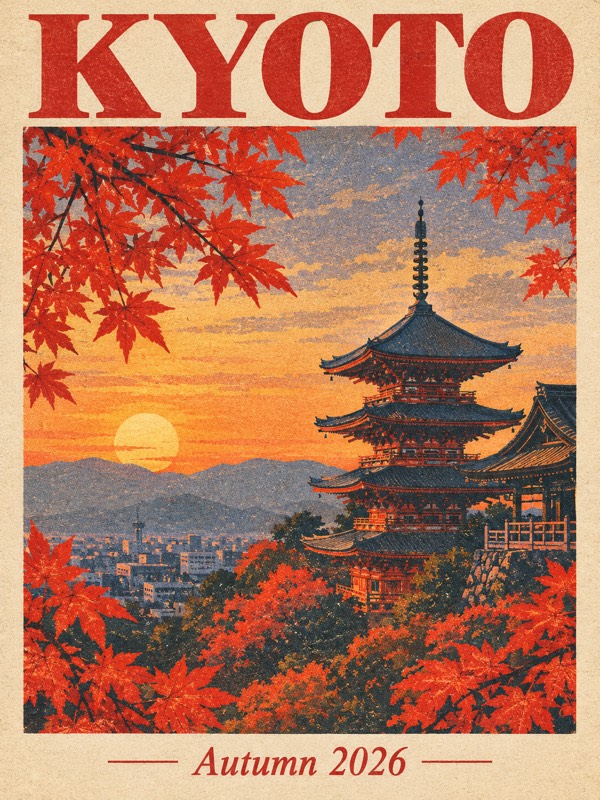
GPT Image 2.5
“A vintage travel poster with the title 'KYOTO' at the top and 'Autumn 2026' at the bottom, red maple leaves framing a pagoda at sunset, risograph print texture”
Try this prompt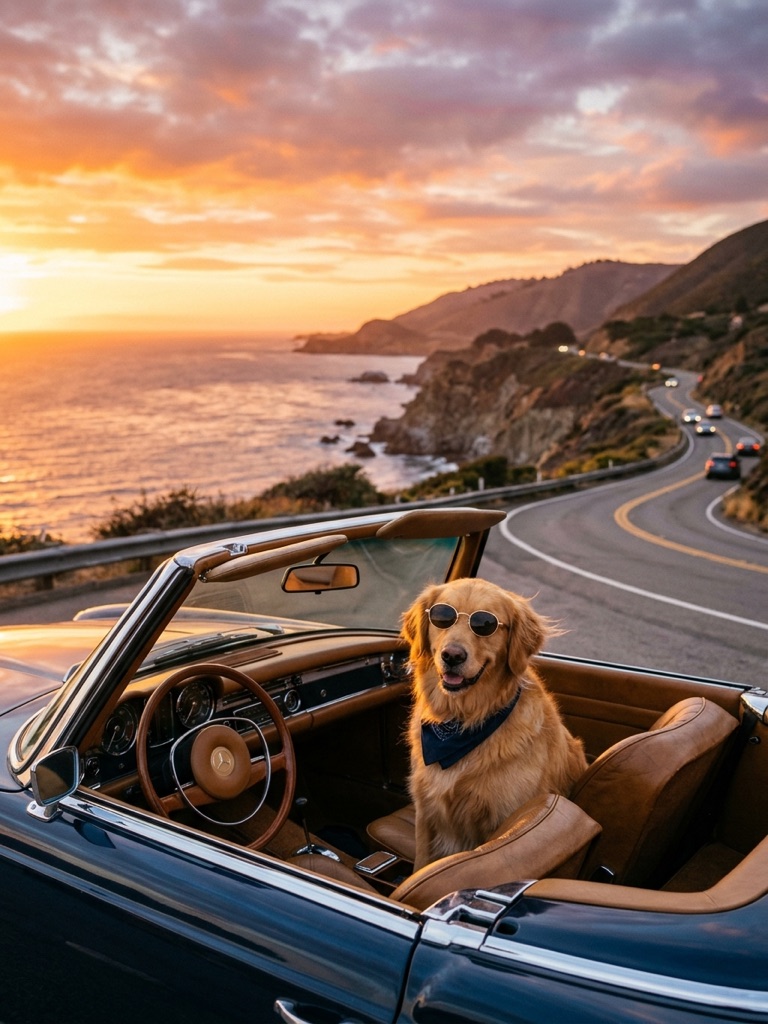
Nano Banana 2
“A golden retriever wearing round sunglasses sitting in a vintage convertible on a coastal road at sunset, photorealistic, warm light”
Try this prompt
AI Logo Maker
“Lumen Coffee, a specialty coffee roaster”
Try this prompt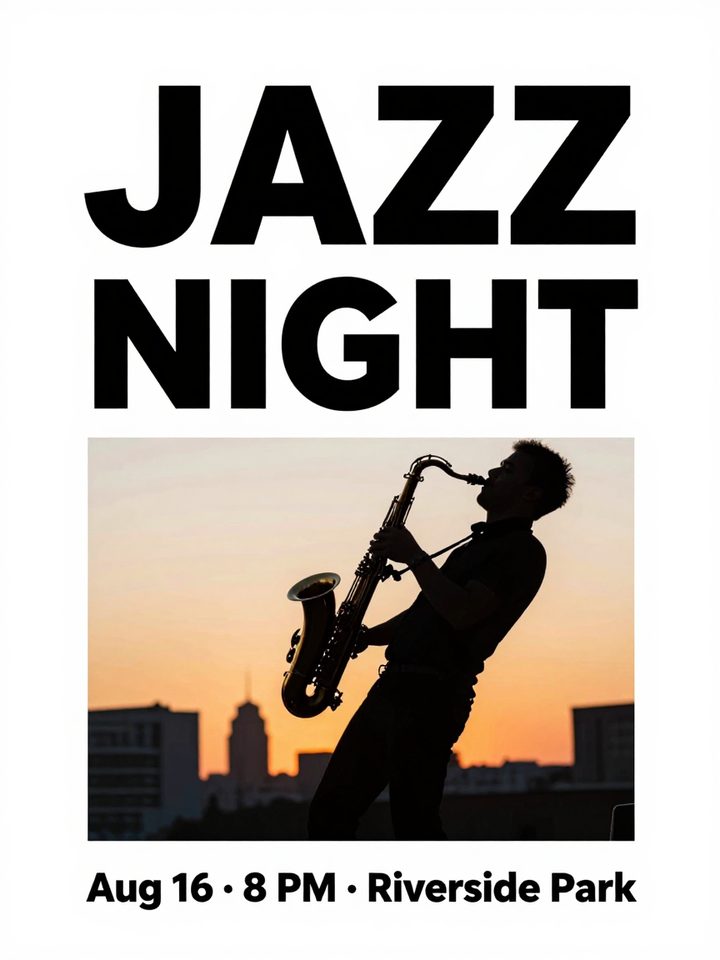
AI Poster Maker
“Summer jazz night. Headline 'JAZZ NIGHT', subline 'Aug 16 · 8 PM · Riverside Park', a saxophone player silhouette at sunset”
Try this prompt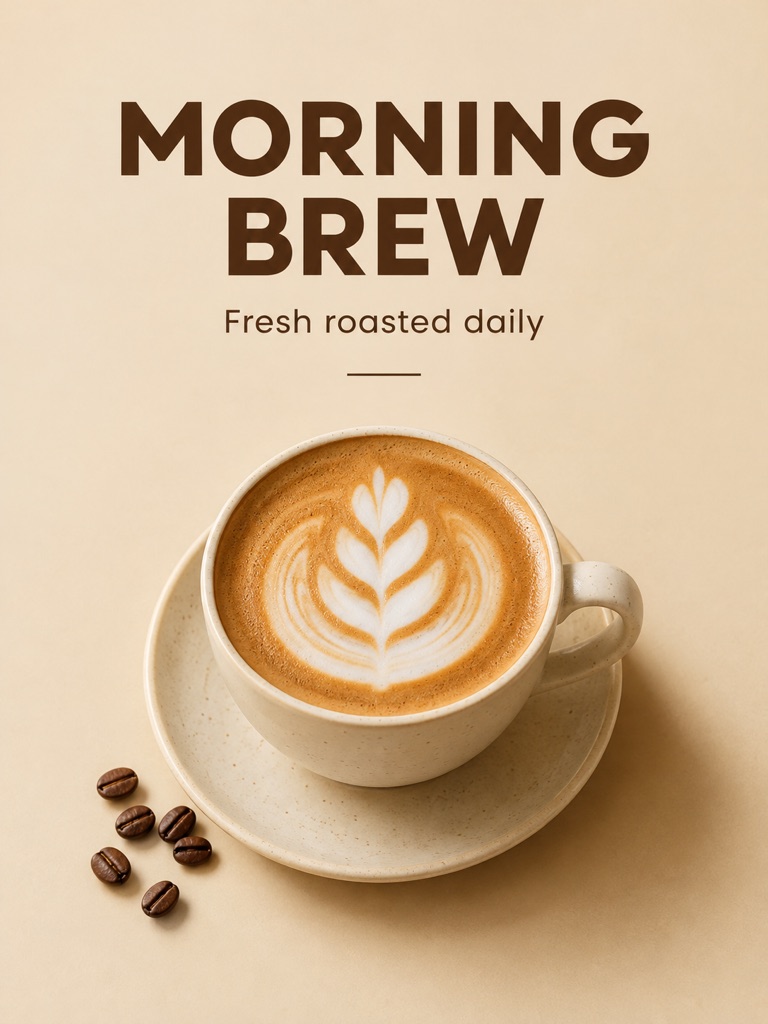
GPT Image 2
“A minimalist coffee shop poster with the headline 'MORNING BREW' and the line 'Fresh roasted daily' below it, a latte with leaf latte art on a warm beige background, clean modern sans-serif typography”
Try this prompt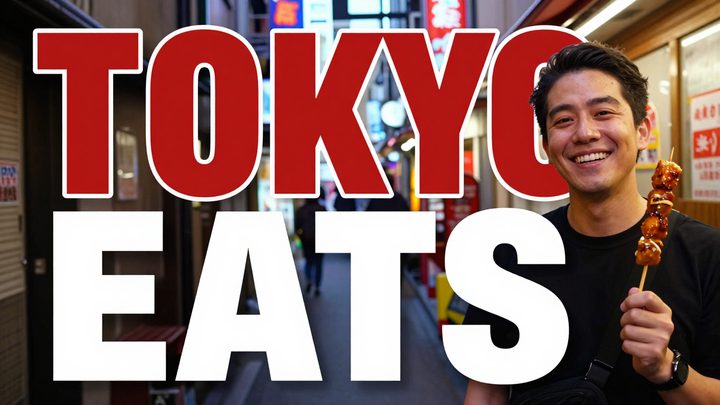
AI Thumbnail Maker
“Travel vlog about Tokyo street food. Title text 'TOKYO EATS', a smiling host holding skewers in a neon-lit alley”
Try this prompt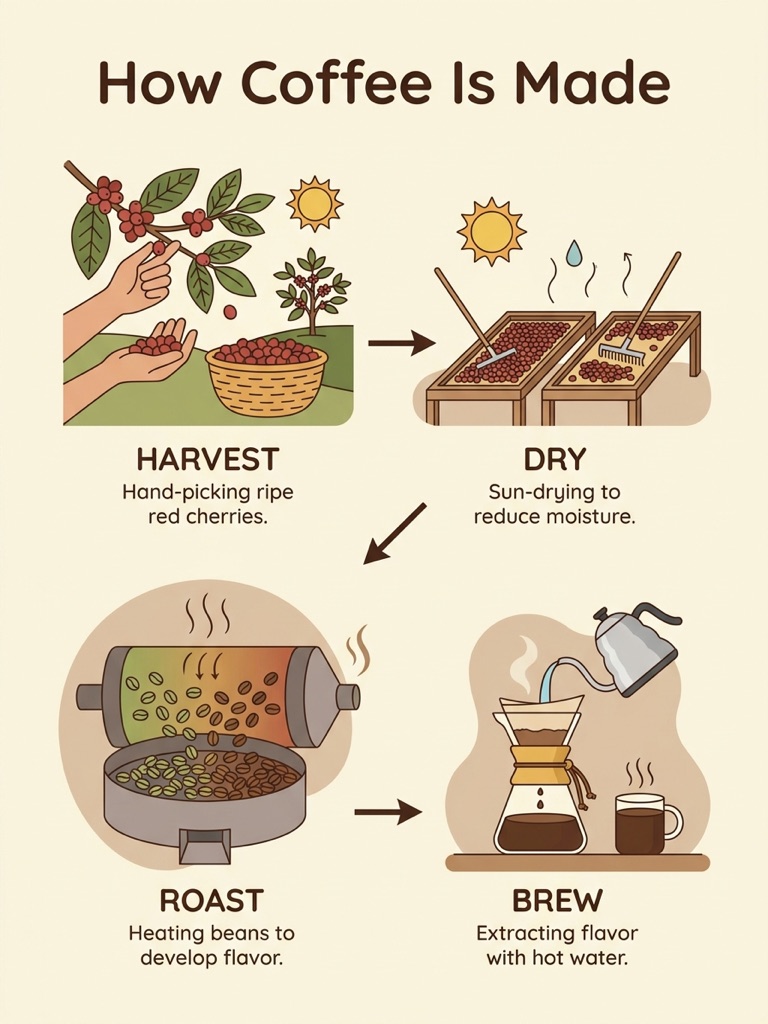
Nano Banana Pro
“A clean infographic poster titled 'How Coffee Is Made' with four labeled steps: Harvest, Dry, Roast, Brew, flat illustrations on a cream background”
Try this promptHow it works
- 1
Describe the image
Write what you want to see: the subject, the setting, the style and the light. Plain sentences are enough.
- 2
Pick a model and a size
Choose one of 8 models and an aspect ratio: 1:1, 3:4, 4:3, 9:16 or 16:9. Each model shows what an image costs in credits.
- 3
Download the result
The image appears next to your prompt. Download it, or find it later under My Images in your account.
Models you can choose
The same prompt works with every model, so you can run it on two and compare. Prices are per image.
Z-Image
Alibaba Tongyi
Text to imageThe default in Text to Image. It takes text only, and the logo, poster and thumbnail tools run on it too.
30 credits per image
Nano Banana 2 Lite
Google
Text to imageImage to imageThe default in Image to Image, where it takes up to four reference images.
30 credits per image
Nano Banana
Google
Text to imageImage to imageMost of the photo editing tools on this site run on its editing version.
30 credits per image
Model pageSeedream 5.0 Lite
ByteDance
Text to imageImage to imageAlso runs the Style Transfer tool.
30 credits per image
GPT Image 2
OpenAI
Text to imageImage to imageMade the coffee shop poster in the gallery above.
30 credits per image
Model pageGPT Image 2.5
OpenAI
Text to imageImage to imageThe Sunburst version. Made the Kyoto travel poster in the gallery above.
30 credits per image
Model pageNano Banana 2
Google
Text to imageImage to imageMade the golden retriever photo in the gallery above.
30 credits per image
Model pageNano Banana Pro
Google
Text to imageImage to imageCosts twice as much as the other models. Made the coffee infographic in the gallery above.
60 credits per image
Model page
Model names belong to their owners. This site reaches the models through an API provider and is not affiliated with Alibaba Tongyi, Google, ByteDance, and OpenAI.
Creative tools
Each tool runs on the same models with a prompt already written for one job, so you fill in less.
Text to Image
Describe what you want, choose a model, and turn your text into a 1K image.
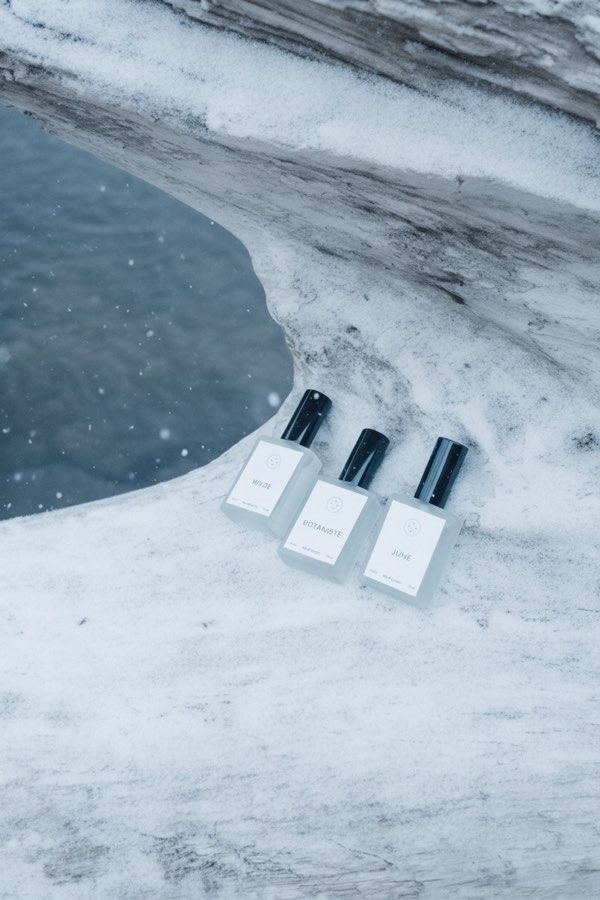
Image to Image
Upload one to four images, describe what you want, and get a new 1K image built from them.
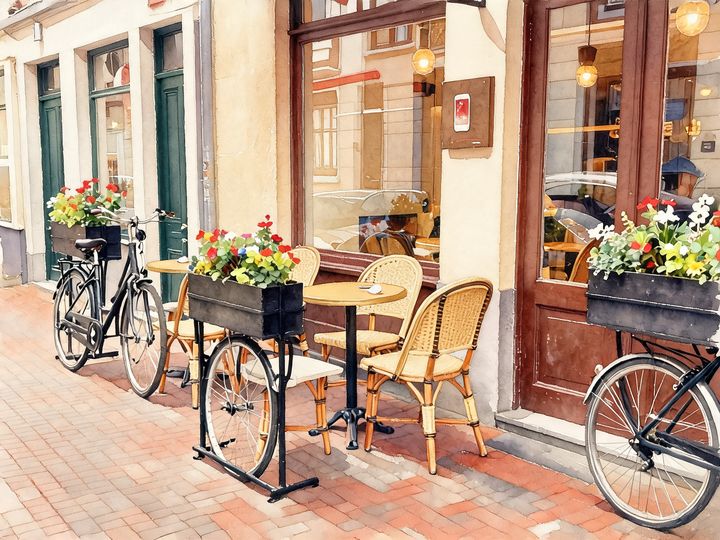
AI Style Transfer
Redraw any photo as a watercolor, oil painting, pencil sketch, pixel art, pop art or ukiyo-e print, keeping the subject and composition.
AI Logo Maker
Type your brand name and what you do, and get logo ideas in the style you pick.
AI Poster Maker
Describe what the poster is for, add your headline, and get a finished design to share or print.
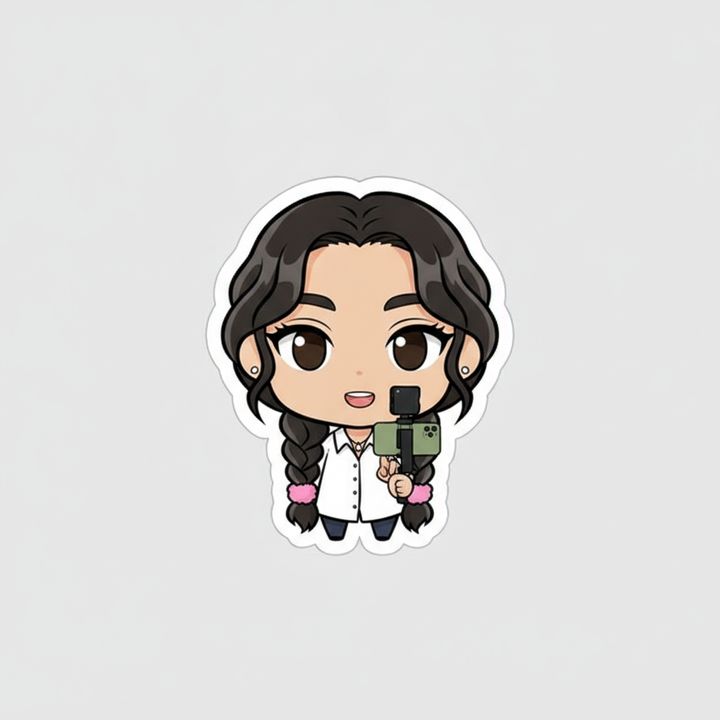
AI Sticker Maker
Upload a photo of yourself or your pet and turn it into a cute, chibi or emoji-style sticker with a white die-cut outline.
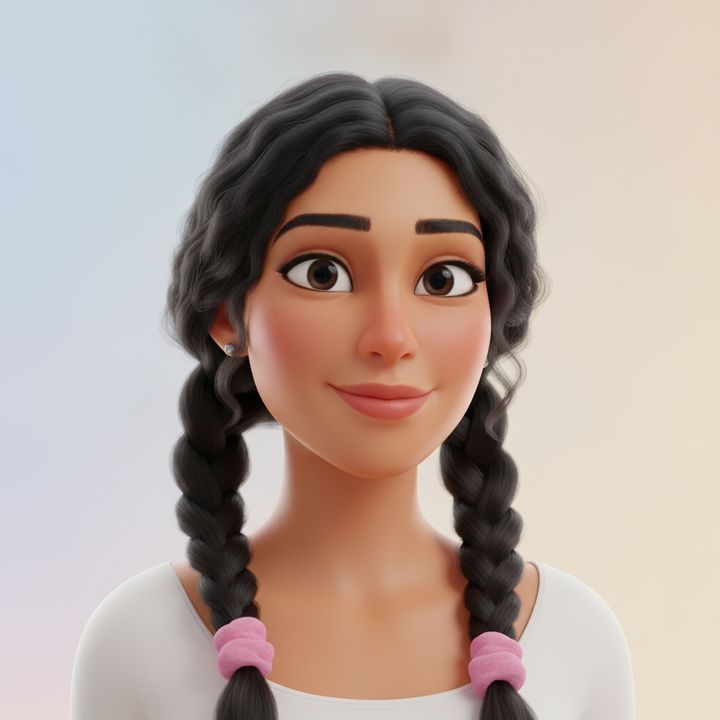
AI Avatar Maker
Turn a photo of yourself into a cartoon, pixel art or clay avatar for your profile picture.
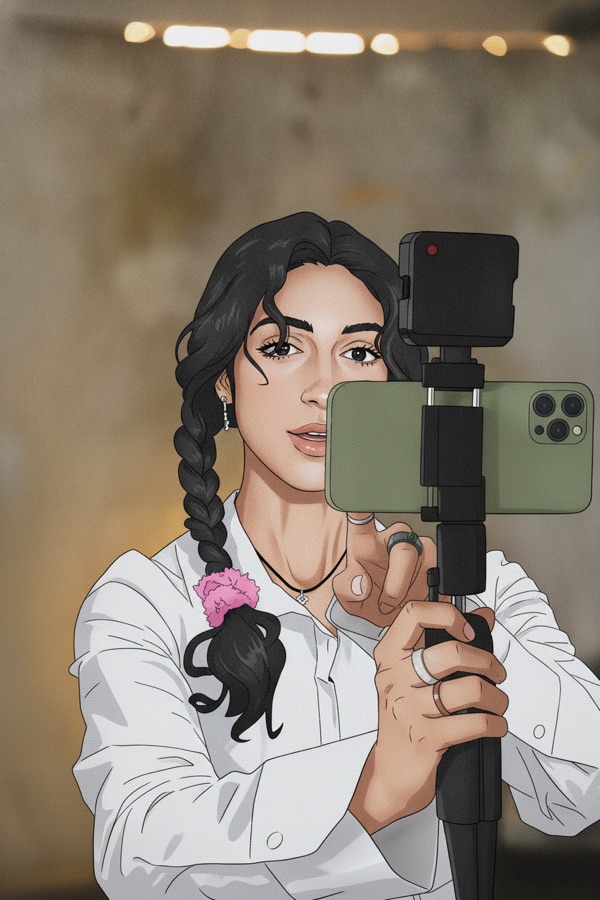
Photo to Anime
Upload a photo and redraw it as anime, manga or a 3D cartoon, keeping the pose, outfit and composition of the original.
AI Thumbnail Maker
Type your video topic and title, and get a thumbnail with your title in big, readable text.
Simple, credit-based pricing
Every tool runs on the same credits. One image is 30 credits (60 with Nano Banana Pro), and failed generations are refunded.
Starter
For occasional images
- About 75 images per month
- About $0.13 per image
- 2,250 credits
- All 34 AI image tools
- Commercial use
- Failed generations refunded
Plus
For regular use
- About 150 images per month
- About $0.13 per image
- 4,500 credits
- All 34 AI image tools
- Commercial use
- Failed generations refunded
- Priority support
Business
For teams, agencies and high volume
- About 300 images per month
- About $0.13 per image
- 9,000 credits
- All 34 AI image tools
- Commercial use
- Failed generations refunded
- Dedicated support
Monthly and yearly plans renew automatically at the end of each period until you cancel, and you can cancel anytime in Settings. Credit packs are one-time purchases that never renew; their credits last 1 year. Prices include tax.
Image generation FAQ
Anything else? Open a support ticket from your account.
Start with one sentence.
Write what you want to see, choose a model and generate. Change the prompt and run it again until it’s right.
Write a prompt