AI Product Photo Generator
Turn a simple product snapshot into a studio-quality photo for your store.
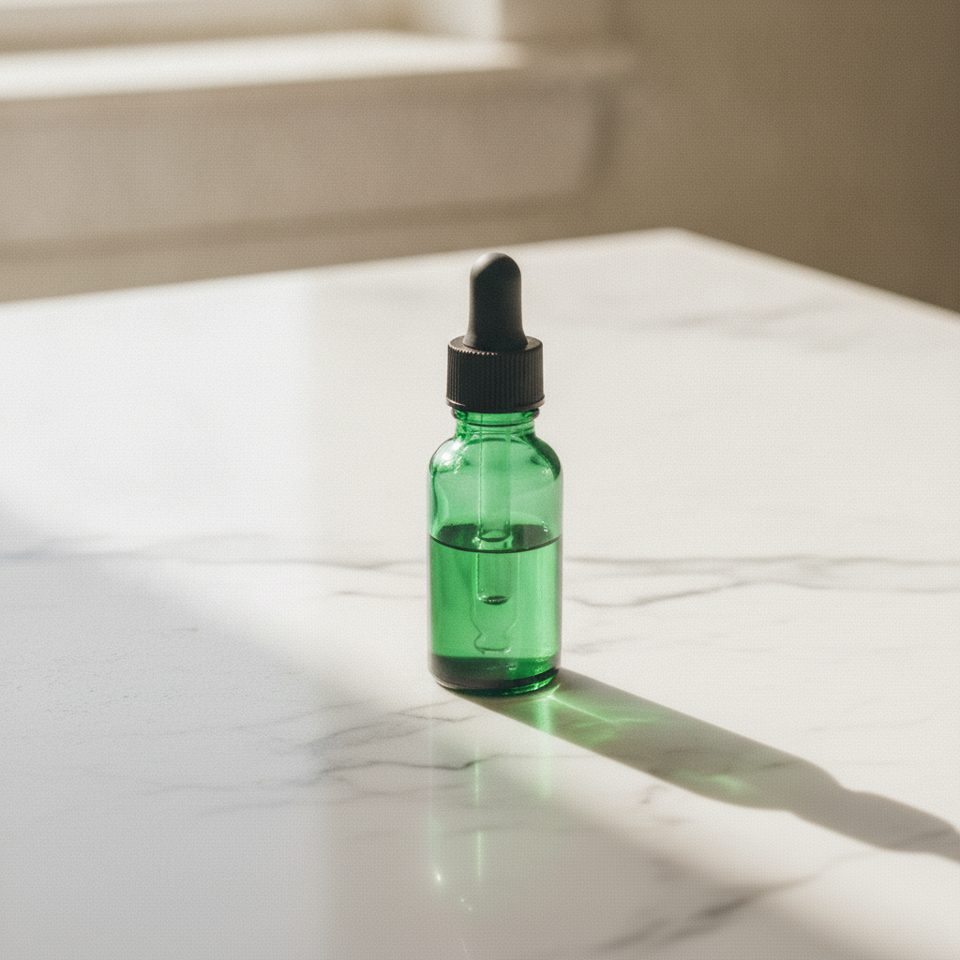
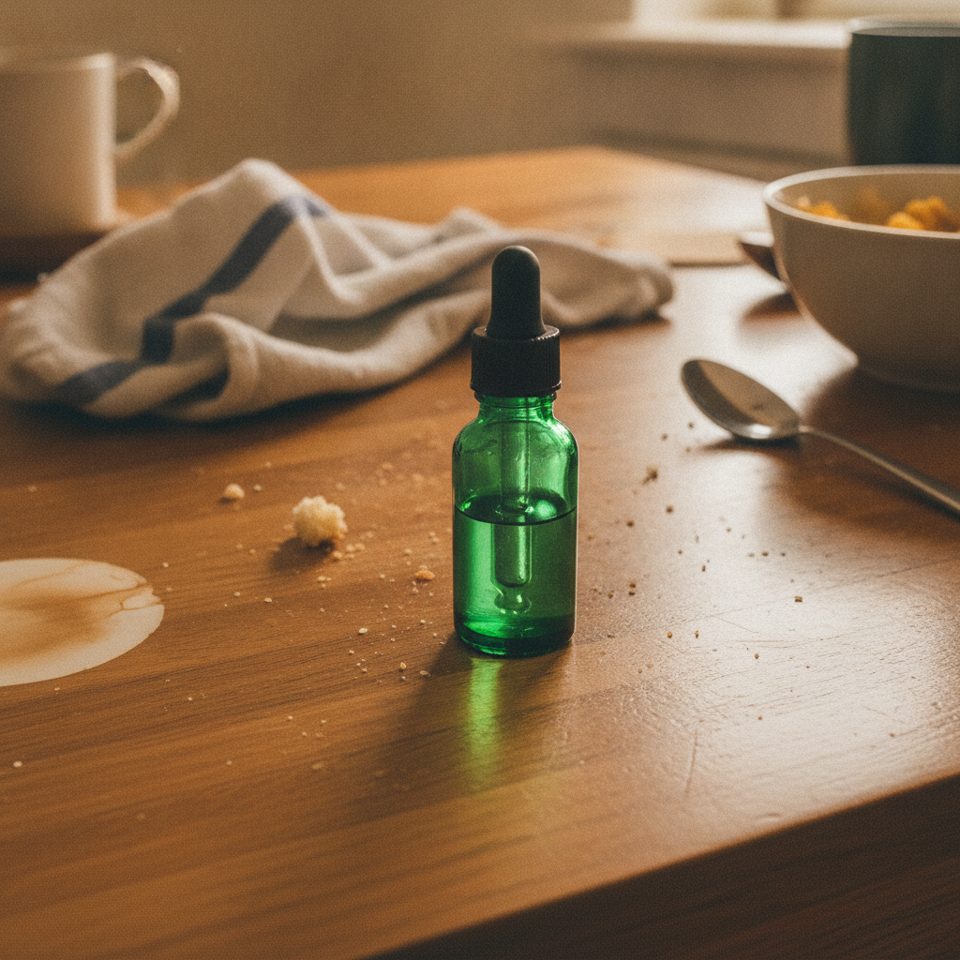 BeforeAfter
How to make a product photo with AI
- 1
Upload a clear photo of your product.
- 2
Pick a scene and, if you like, add extra instructions.
- 3
Download a ready-to-use product image for your store or ads.
Studio product photos without a studio
Good product photos sell, but a studio shoot for every item is slow and expensive. Upload a simple snapshot from your phone, pick a scene, and the AI places your product on a white studio background, a marble countertop, a natural outdoor setting, a kitchen counter or a luxury backdrop, with lighting and shadows to match. It is told to keep the product itself unchanged, including its shape, colors, logo and label text, so the image still shows what the customer will receive. Use the results for store listings, ads, social media and email campaigns.
What the AI product photo generator does well
Five scenes with matching light
Each scene has its own setup: soft even light and a natural shadow on white, window daylight on marble, golden-hour sun outdoors, a bright kitchen, or rim light on dark velvet.
Shadows and reflections that fit
Your product isn't simply cut out and pasted. Light, shadows and reflections are drawn for the new surface, so the item looks like it was photographed in that scene.
No cutout needed
Upload the photo as it is, even if it was taken on a cluttered desk. You don't have to remove the background first; the AI separates the product and builds the new scene around it.
One snapshot, a full image set
Run the same upload through several scenes to get a white main image plus lifestyle shots for your product gallery, ads and social posts, all showing the same item.
Who uses AI product photos
Marketplace sellers
Create clean main images and lifestyle shots for Amazon, Etsy, eBay and Shopify listings.
Small brands
Give a new product line a consistent, professional look without booking a photographer.
Social media and ads
Make scroll-stopping visuals for Instagram, Facebook and TikTok ads from the photos you already have.
Seasonal campaigns
Restage the same product for holidays, sales and new collections without another shoot.
Tips for better AI product photography
Shoot the product from the angle you want customers to see. The tool is told to keep the product as it is, so a side view stays a side view.
Let the product fill most of the frame and keep it in sharp focus. A small or blurry item gives the AI less detail to keep, which shows on labels and edges.
Match the scene to the category: white studio for main images, marble for beauty and jewelry, kitchen for food and cookware, nature for outdoor gear, luxury for watches and perfume.
Keep extra instructions to one or two details, such as “a sprig of rosemary on the left”. A long list of props crowds the frame and pulls attention away from the product.
Simple, credit-based pricing
Every tool runs on the same credits. One image is 30 credits (60 with Nano Banana Pro), and failed generations are refunded.
Starter
For occasional images
- About 75 images per month
- About $0.13 per image
- 2,250 credits
- All 34 AI image tools
- Commercial use
- Failed generations refunded
Plus
For regular use
- About 150 images per month
- About $0.13 per image
- 4,500 credits
- All 34 AI image tools
- Commercial use
- Failed generations refunded
- Priority support
Business
For teams, agencies and high volume
- About 300 images per month
- About $0.13 per image
- 9,000 credits
- All 34 AI image tools
- Commercial use
- Failed generations refunded
- Dedicated support
Monthly and yearly plans renew automatically at the end of each period until you cancel, and you can cancel anytime in Settings. Credit packs are one-time purchases that never renew; their credits last 1 year. Prices include tax.
AI product photo FAQ
- Will the AI change my product?
- The tool is instructed to keep your product's shape, colors, logo and text unchanged and only replace the background and lighting. Always check the result before publishing.
- What photo works best?
- A sharp, well-lit photo where the whole product is visible. A plain background helps but isn't required.
- Can I use these images on Amazon, Shopify or Etsy?
- Yes. Check each marketplace's image rules. For example, Amazon main images usually need a pure white background, so use the White studio scene.
- Can I add props or change the mood?
- Yes. Type extra instructions in the optional box, such as "add a few coffee beans" or "warmer evening light".
- Which aspect ratio should I use?
- Use 1:1 for most marketplaces, 3:4 or 9:16 for social stories, and 16:9 or 4:3 for banners and websites.
- Does the AI keep small text on labels?
- It tries to, but very small text can come out slightly changed. Zoom in and check labels and logos before you publish.
- Can I use a photo from my supplier or another store?
- Only upload photos you have the right to use. A supplier's or another seller's image may be protected by copyright, so ask for permission first or take your own snapshot of the product.
- Where can I find my product photos later?
- Every image is saved in My Images in your account, so you can download it again for a new listing or ad. To change one detail later, upload the image to the Nano Banana editor and describe the change.
Related guides
BlogText to Image vs Image to Image: When to Use Which
Text to image starts from words; image to image starts from a picture you already have. How the two differ here, when each one fits, and how to use them together.
How to Write an Image Prompt That Works
A four-part way to write prompts for an AI image generator: subject, style, lighting and composition, with five example prompts to copy and change.
Choosing an Image Size and Aspect Ratio
Which aspect ratio to generate for where the image will be used: 1:1, 3:4, 4:3, 9:16 or 16:9, what a 1K image is good for, and how to avoid cropping later.
More AI tools
All tools
Text to Image
Describe what you want, choose a model, and turn your text into a 1K image.
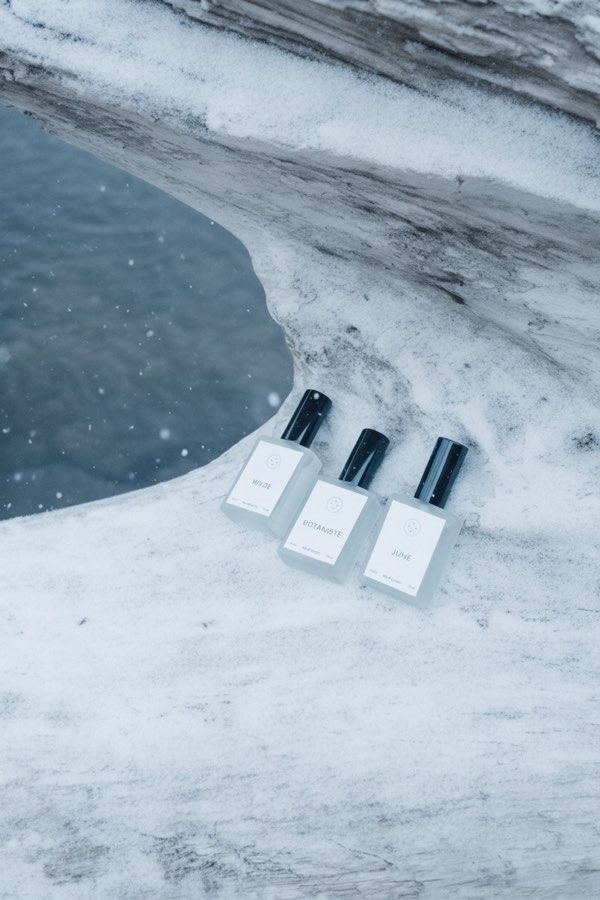
Image to Image
Upload one to four images, describe what you want, and get a new 1K image built from them.
AI Style Transfer
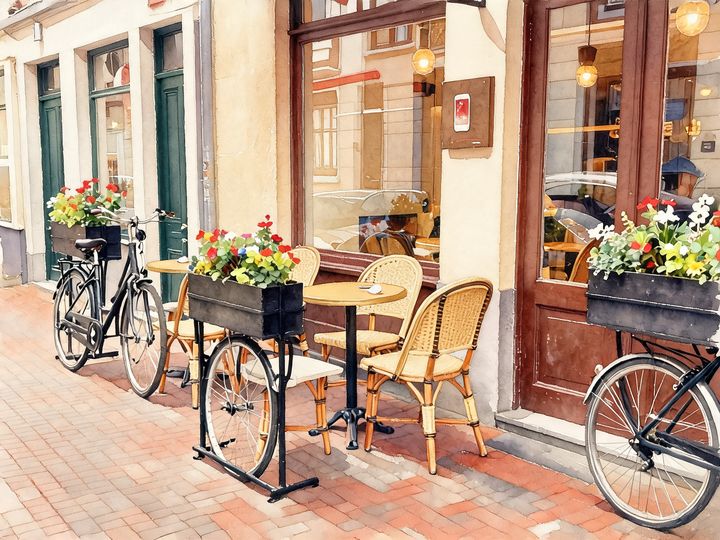
Redraw any photo as a watercolor, oil painting, pencil sketch, pixel art, pop art or ukiyo-e print, keeping the subject and composition.
AI Logo Maker
Type your brand name and what you do, and get logo ideas in the style you pick.
AI Poster Maker
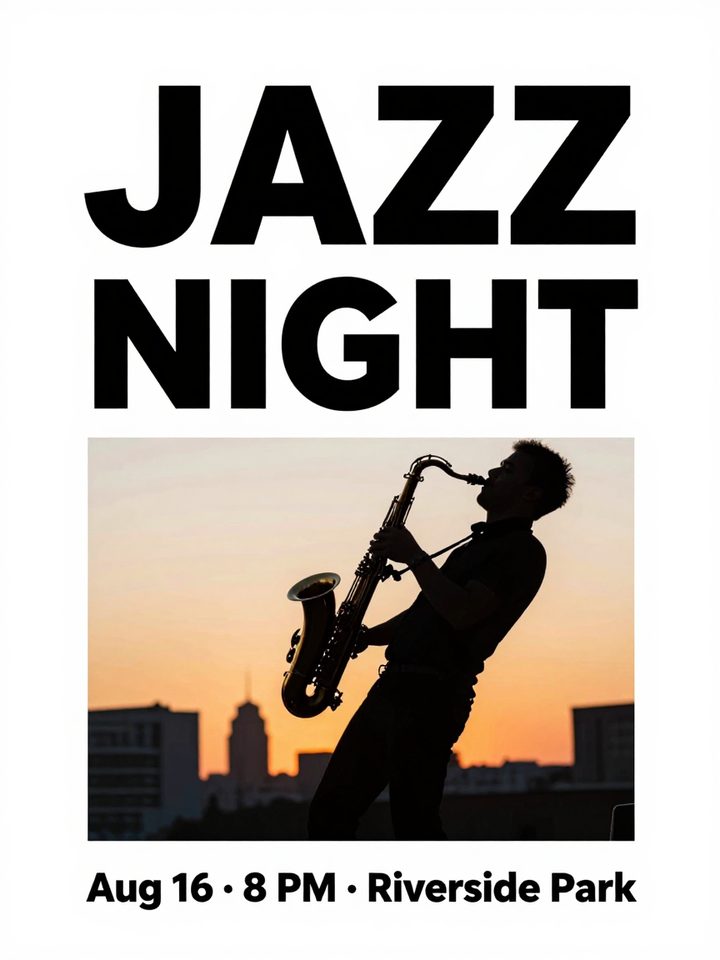
Describe what the poster is for, add your headline, and get a finished design to share or print.
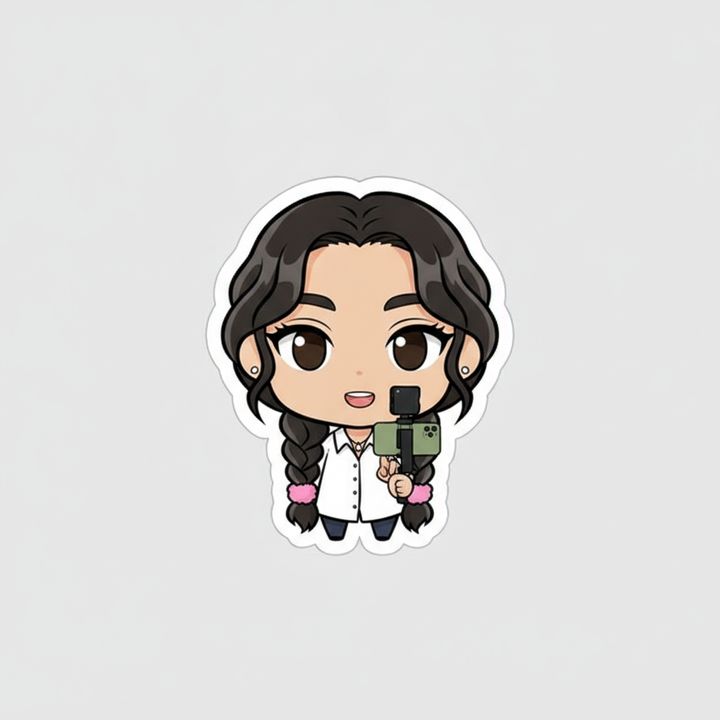
AI Sticker Maker
Upload a photo of yourself or your pet and turn it into a cute, chibi or emoji-style sticker with a white die-cut outline.
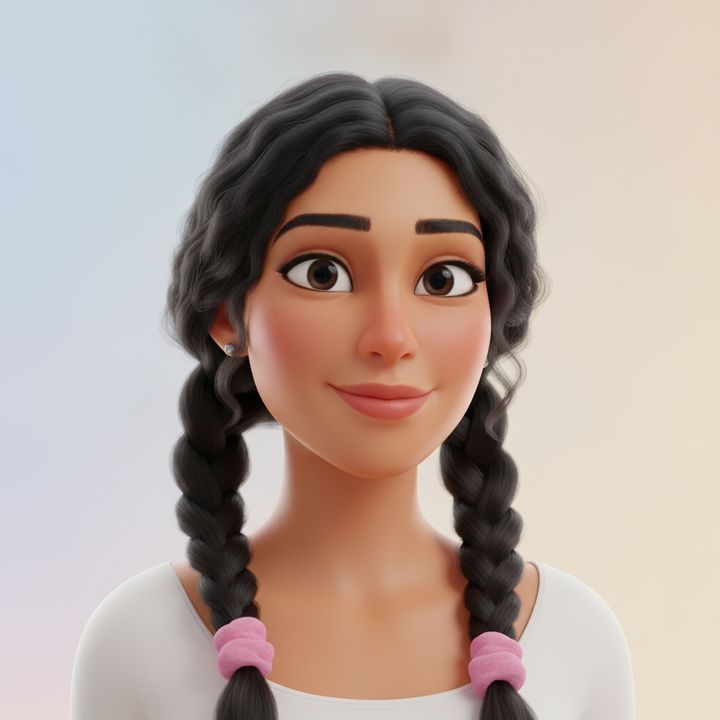
AI Avatar Maker
Turn a photo of yourself into a cartoon, pixel art or clay avatar for your profile picture.
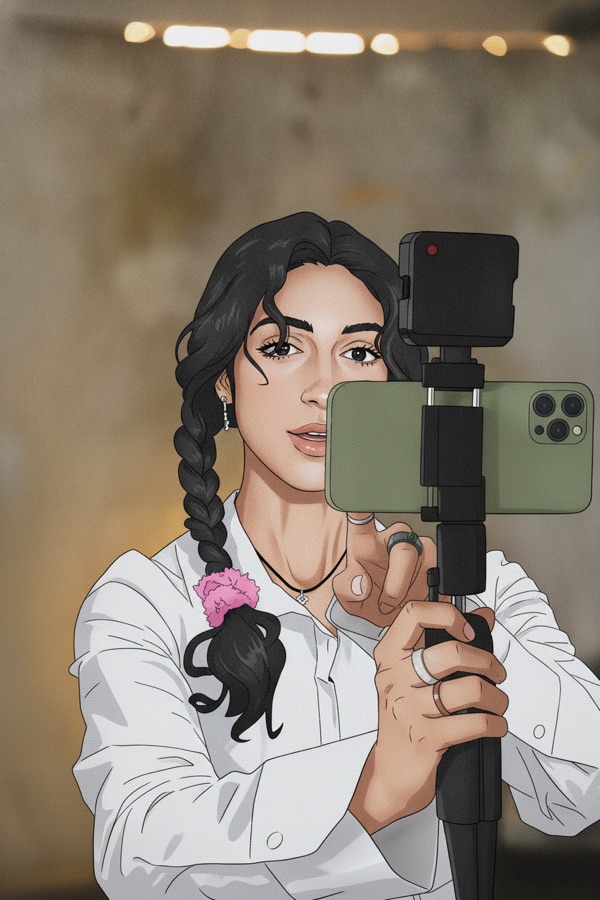
Photo to Anime
Upload a photo and redraw it as anime, manga or a 3D cartoon, keeping the pose, outfit and composition of the original.
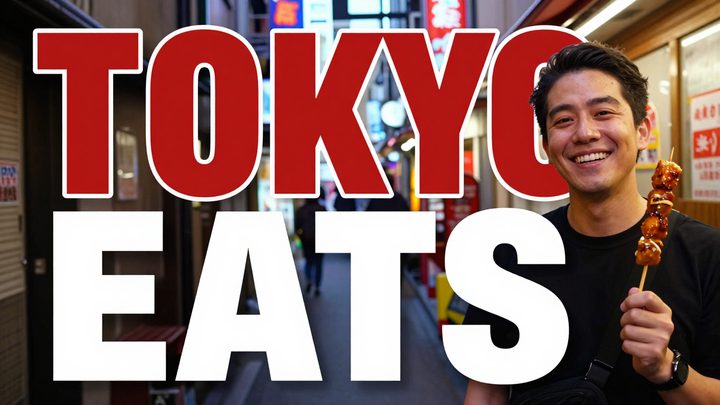
AI Thumbnail Maker
Type your video topic and title, and get a thumbnail with your title in big, readable text.