AI Headshot Generator
Get a professional headshot for LinkedIn or your resume from one selfie. No photographer needed.

 BeforeAfter
How to make a professional headshot
- 1
Upload a clear, front-facing photo of yourself.
- 2
Pick a style: corporate, smart casual or studio.
- 3
Download your headshot and use it anywhere.
A professional headshot from one selfie
Recruiters and clients often see your photo before they meet you, but a studio session costs time and money. Upload one clear photo of yourself and choose a corporate, smart casual or studio look. The AI keeps your face, skin tone, hairstyle and expression, and changes the outfit, background and lighting to give you a polished head-and-shoulders portrait. It works well for LinkedIn, resumes, team pages, speaker profiles and email signatures. For privacy and consent reasons, headshots can only be made from a photo of yourself.
What you get from the AI headshot generator
Three looks, outfit included
Corporate puts you in a tailored dark suit with a blurred office behind you, smart casual uses a relaxed outfit outdoors, and studio pairs a neat dark top with a plain gray backdrop.
Classic head-and-shoulders framing
Results are framed head and shoulders, the crop recruiters and profile sites expect, so a casual selfie or a half-body photo can become a usable professional headshot.
Soft, flattering light
Harsh window light or a dim room in your photo is replaced with soft studio lighting, while the tool is told to keep your features, skin tone and expression as they are.
Made only from your own photo
Before you generate, you confirm the photo is of you. Uploaded originals are deleted from the processing service within 24 hours, and no face swapping is offered.
Where to use your AI headshot
LinkedIn profile
A professional photo makes your profile look complete and trustworthy to recruiters.
Resumes and applications
Add a clean, well-lit portrait to your CV where a photo is expected.
Company team pages
Each team member can make a headshot in the same style for a consistent team page.
Speaker bios and avatars
Use it for conference profiles, author bios, and Zoom or Slack avatars.
Tips for a better LinkedIn photo
Ask someone to take the photo at eye level from arm's length or farther. Close-up selfies can widen the nose and forehead, and the tool is told to keep your face as it is.
Face a window or soft daylight so both sides of your face are evenly lit. Strong shadows can hide features the AI needs to keep your likeness.
Style your hair the way you want it before taking the photo. The tool is told to keep your hairstyle, so a messy hair day will usually show in the headshot.
Smile the way you would in a meeting. Your expression carries over to the headshot, and a relaxed, natural smile tends to look friendly and professional.
Simple, credit-based pricing
Every tool runs on the same credits. One image is 30 credits (60 with Nano Banana Pro), and failed generations are refunded.
Starter
For occasional images
- About 75 images per month
- About $0.13 per image
- 2,250 credits
- All 34 AI image tools
- Commercial use
- Failed generations refunded
Plus
For regular use
- About 150 images per month
- About $0.13 per image
- 4,500 credits
- All 34 AI image tools
- Commercial use
- Failed generations refunded
- Priority support
Business
For teams, agencies and high volume
- About 300 images per month
- About $0.13 per image
- 9,000 credits
- All 34 AI image tools
- Commercial use
- Failed generations refunded
- Dedicated support
Monthly and yearly plans renew automatically at the end of each period until you cancel, and you can cancel anytime in Settings. Credit packs are one-time purchases that never renew; their credits last 1 year. Prices include tax.
AI headshot FAQ
- What photo should I upload?
- A sharp photo facing the camera with good lighting, no sunglasses, and only you in the frame gives the best likeness.
- Will it still look like me?
- The tool is instructed to keep your face, skin tone and hairstyle. If a result doesn't look right, try another photo or style.
- Can I use it on LinkedIn?
- Yes, the headshots are made for LinkedIn profiles, resumes, team pages and social media.
- Can I make a headshot of someone else?
- No. Headshots can only be made from a photo of yourself. Making realistic portraits of other people without their permission is against our usage policy.
- Which style should I choose?
- Corporate suits finance, law and consulting. Smart casual fits tech, creative and startup roles. Studio gives a clean, neutral backdrop that works almost anywhere.
- Which sizes are available?
- Portrait 3:4, which suits resumes and team pages, and square 1:1, which suits LinkedIn and most avatars.
- Can I use an AI headshot as a passport or ID photo?
- No. Passport, visa and ID photos have strict rules and usually must be unedited photos of you. Use the AI headshot for LinkedIn, resumes, team pages and other places where a professional portrait is expected.
- Can I change the background or outfit color?
- The headshot tool has no instructions box, so you choose from the three styles. To change one detail, such as a lighter backdrop or a navy jacket, upload your headshot to the Nano Banana editor and describe the change.
Related guides
BlogText to Image vs Image to Image: When to Use Which
Text to image starts from words; image to image starts from a picture you already have. How the two differ here, when each one fits, and how to use them together.
How to Write an Image Prompt That Works
A four-part way to write prompts for an AI image generator: subject, style, lighting and composition, with five example prompts to copy and change.
Choosing an Image Size and Aspect Ratio
Which aspect ratio to generate for where the image will be used: 1:1, 3:4, 4:3, 9:16 or 16:9, what a 1K image is good for, and how to avoid cropping later.
More AI tools
All tools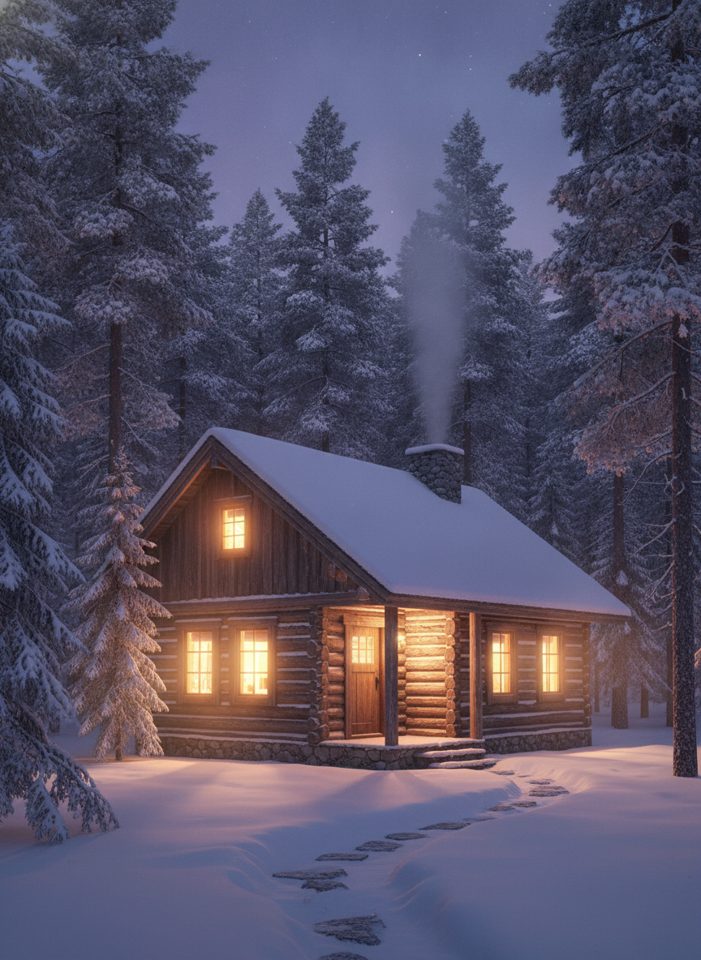
Text to Image
Describe what you want, choose a model, and turn your text into a 1K image.
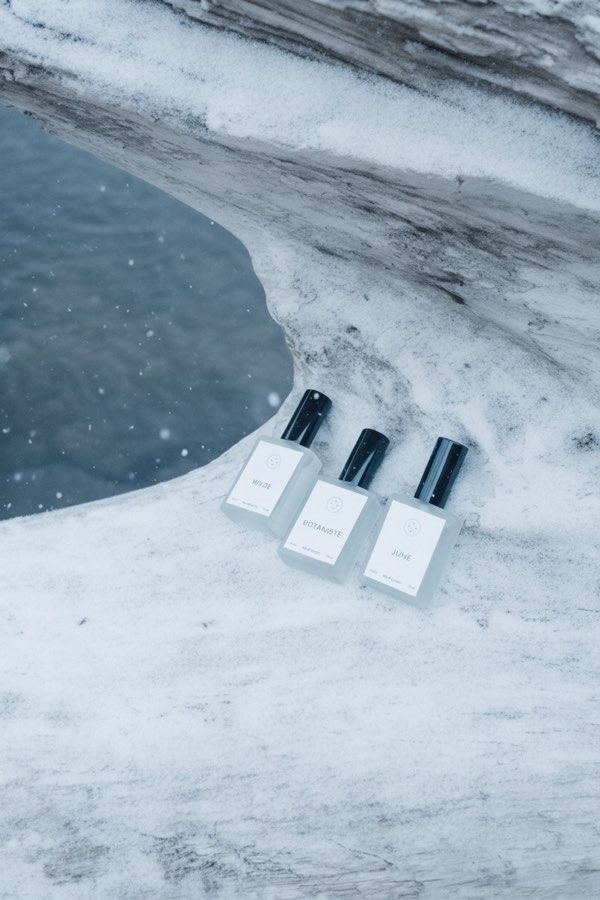
Image to Image
Upload one to four images, describe what you want, and get a new 1K image built from them.
AI Style Transfer
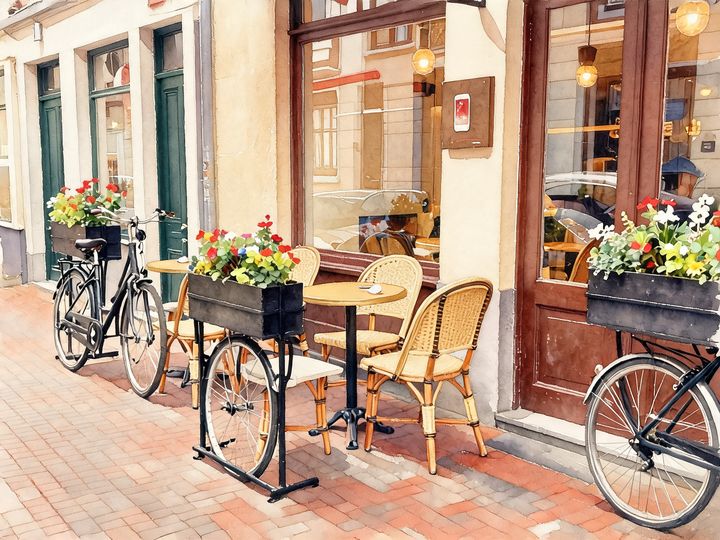
Redraw any photo as a watercolor, oil painting, pencil sketch, pixel art, pop art or ukiyo-e print, keeping the subject and composition.
AI Logo Maker
Type your brand name and what you do, and get logo ideas in the style you pick.
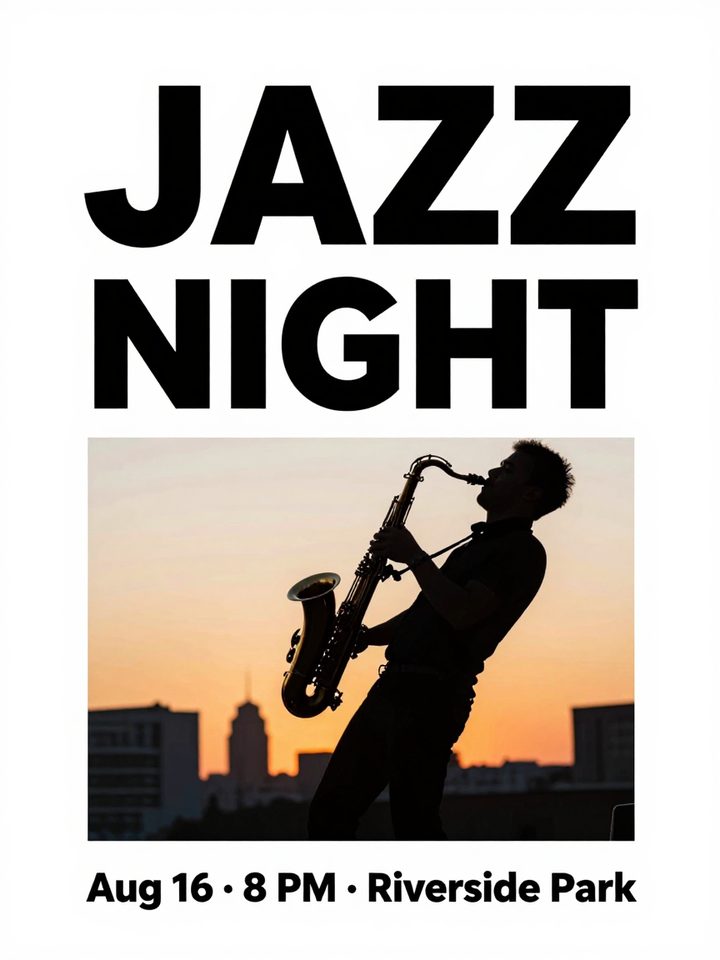
AI Poster Maker
Describe what the poster is for, add your headline, and get a finished design to share or print.
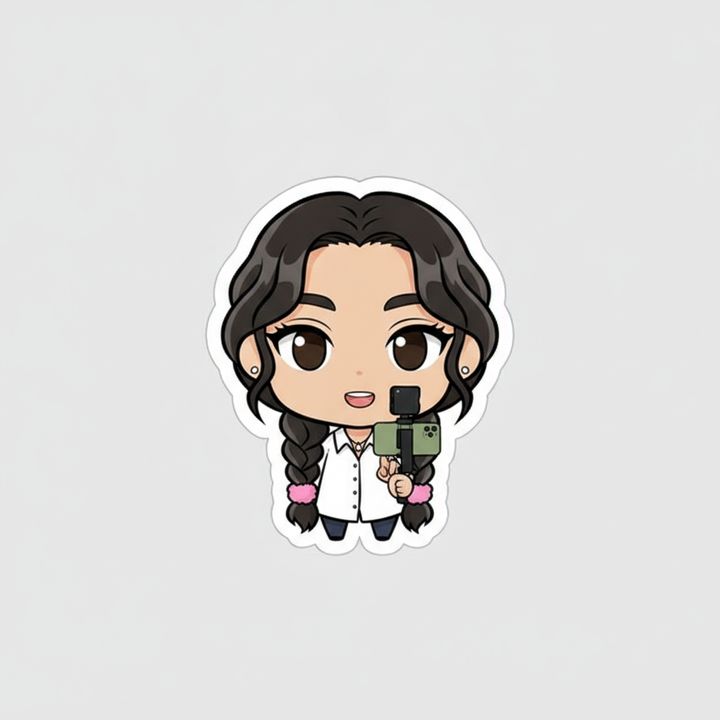
AI Sticker Maker
Upload a photo of yourself or your pet and turn it into a cute, chibi or emoji-style sticker with a white die-cut outline.
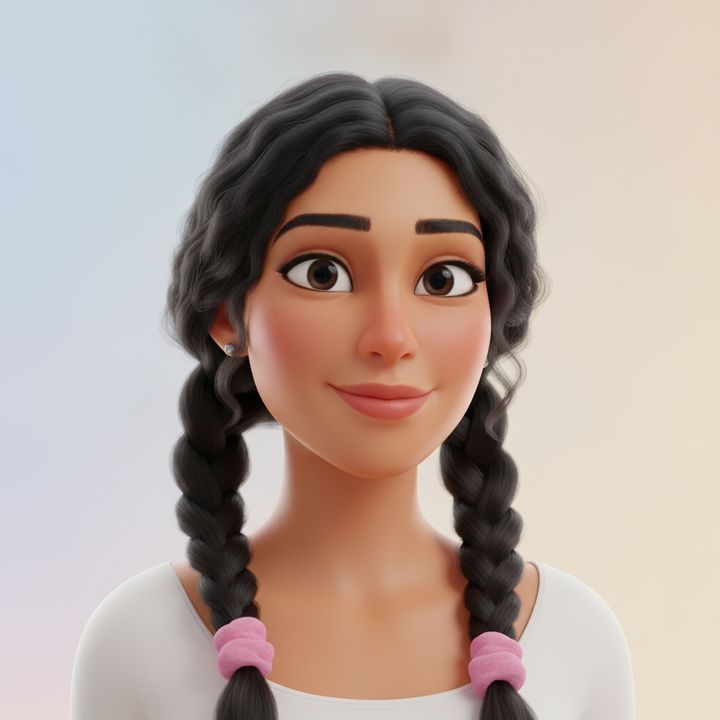
AI Avatar Maker
Turn a photo of yourself into a cartoon, pixel art or clay avatar for your profile picture.
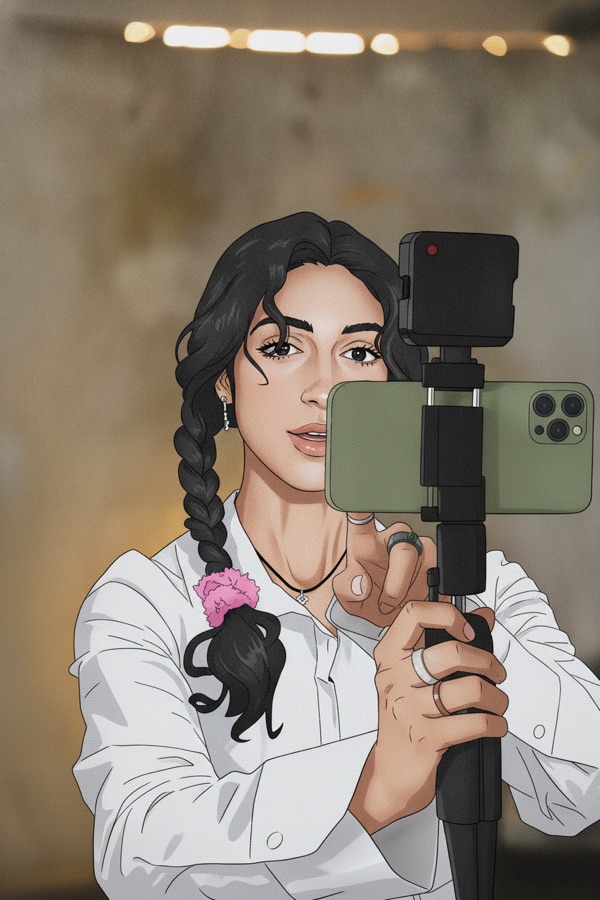
Photo to Anime
Upload a photo and redraw it as anime, manga or a 3D cartoon, keeping the pose, outfit and composition of the original.
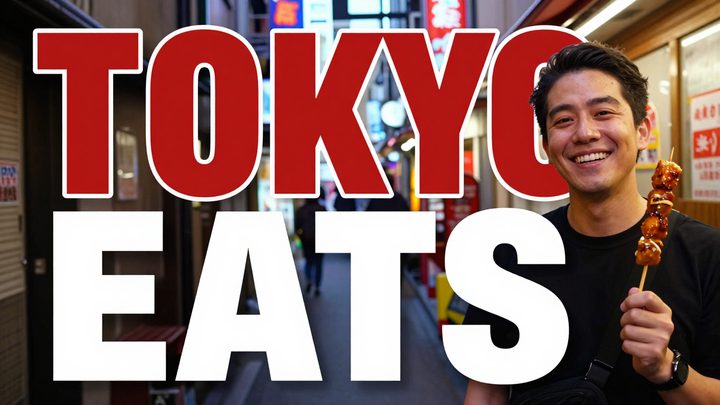
AI Thumbnail Maker
Type your video topic and title, and get a thumbnail with your title in big, readable text.