
How to Write an Image Prompt That Works
A four-part way to write prompts for an AI image generator: subject, style, lighting and composition, with five example prompts to copy and change.
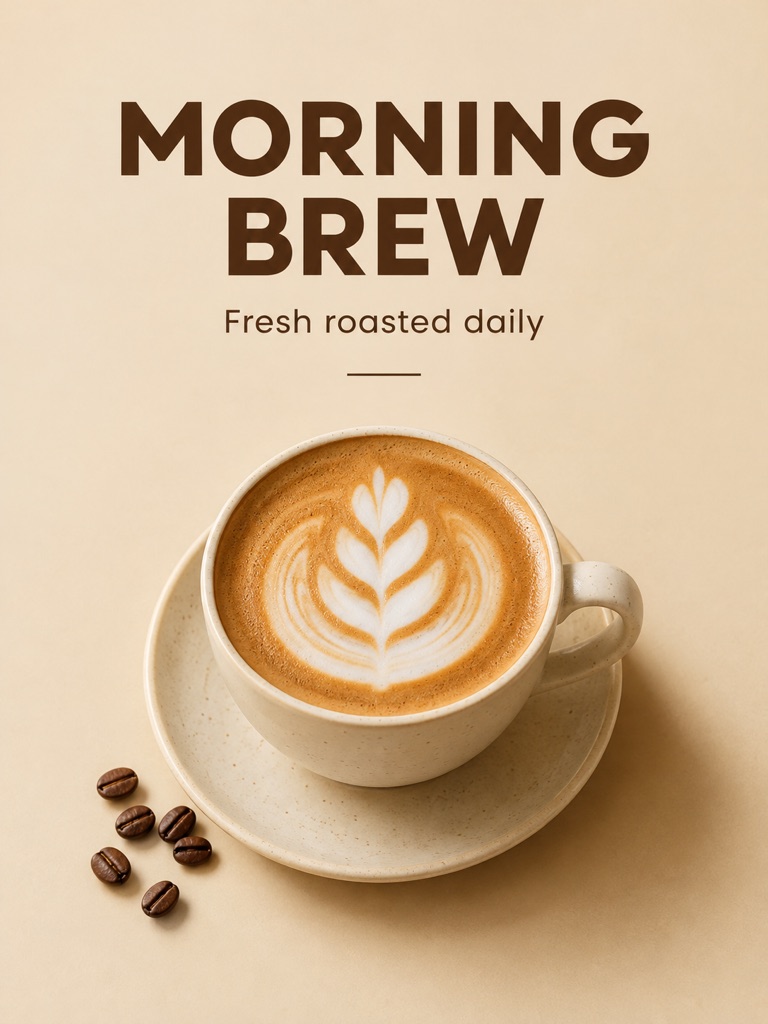
A prompt works when someone who has never seen the picture in your head could draw it from your words. When a result looks generic, the prompt is usually missing one of four things: the subject, the style, the lighting or the composition. This guide goes through each one, then gives five example prompts you can copy and change.
The four parts of a prompt
1. Subject. Say who or what is in the picture, what it is doing and where. Details do the work here. "A dog in a car" leaves almost everything to chance. "A golden retriever wearing round sunglasses, sitting in a vintage convertible on a coastal road" does not.
2. Style. Name the medium: photo, watercolor, 3D render, flat vector illustration, risograph print. Pick one. Two styles in the same prompt tend to blur into something that is neither.
3. Lighting. Light sets the mood more than any adjective. Say the time of day and what the light is like: "at dusk, warm light glowing in the windows", "soft window light from the left", "overcast, no hard shadows".
4. Composition. Say how the picture is framed: close-up or wide shot, seen from above or at eye level, subject centered or on one side with empty space next to it. The aspect ratio is part of this, so choose it before you write. There is more on that in choosing an image size and aspect ratio.
Start with the subject and add the other three after it. Plain sentences or a comma-separated list both work; there is no special syntax to learn.
Five example prompts
The first three are prompts that were actually run on this site, shown with the image each one produced.
1. A landscape scene
Cozy wooden cabin in a snowy pine forest at dusk, warm light glowing in the windows, cinematic, highly detailed
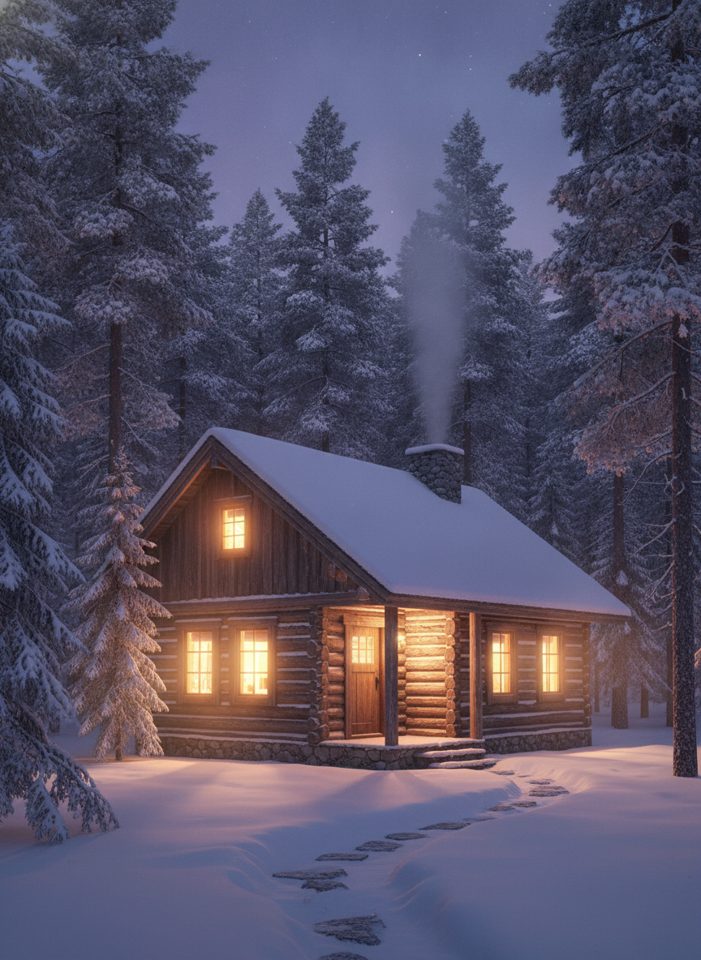
Subject: a wooden cabin in a snowy pine forest. Lighting: dusk, warm windows. Style: cinematic, detailed. The framing is left open, and the model chose a view from the front.
2. An animal photo
A golden retriever wearing round sunglasses sitting in a vintage convertible on a coastal road at sunset, photorealistic, warm light
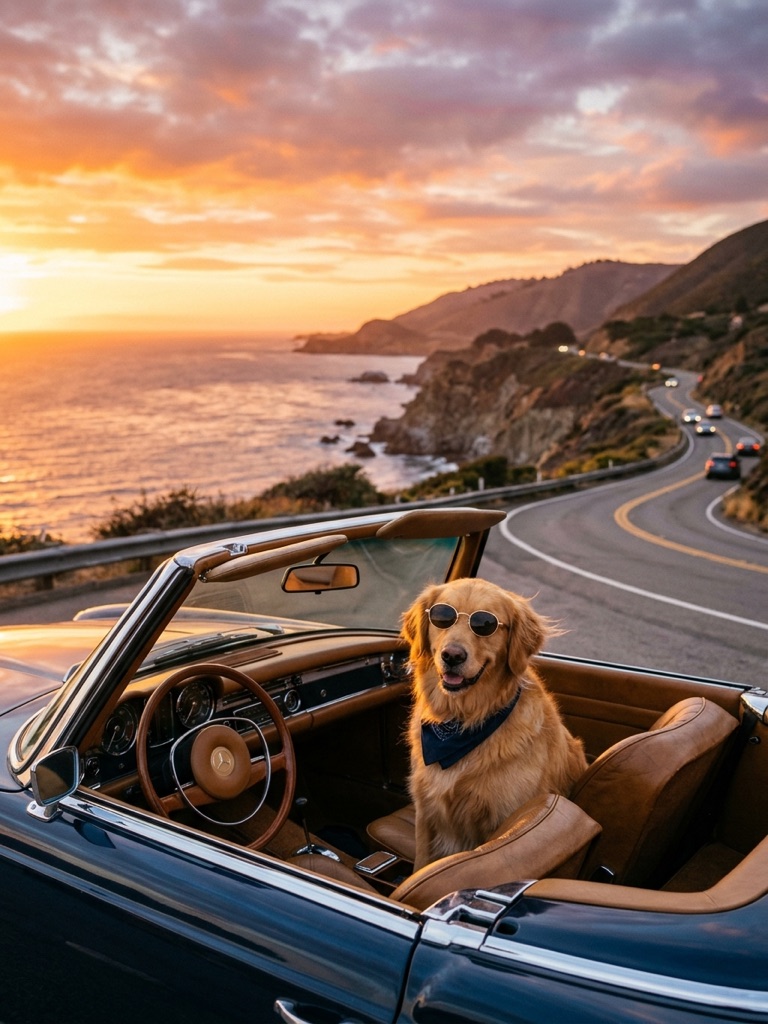
Every noun here has a detail attached: the breed, the kind of sunglasses, the kind of car, the kind of road. That is why the result matches so closely.
3. A poster with text
A vintage travel poster with the title 'KYOTO' at the top and 'Autumn 2026' at the bottom, red maple leaves framing a pagoda at sunset, risograph print texture
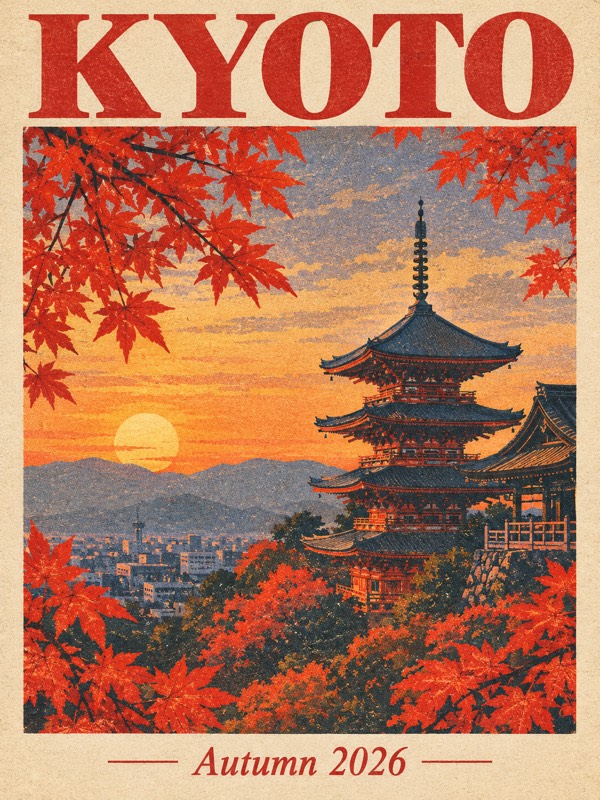
When words must appear in the picture, put them in quotes and say where they go. Keep them short, and check the spelling in the result.
The last two are starting points to adapt. Swap in your own subject and keep the structure.
4. A product shot
A matte black water bottle standing on a wet slate surface, studio product photo, one soft light from the upper left, dark grey background, centered, eye level, empty space above the bottle
5. A flat illustration
A flat vector illustration of a woman watering plants on a small balcony, limited palette of teal, cream and coral, even light with no shadows, seen straight on, open sky in the top third
When the result is off
- Too generic. Add detail to the subject: a color, a material, an age, an action.
- Wrong mood. Change only the lighting words and run it again.
- Subject cut off or too small. State the framing ("full body", "close-up of the face"), or switch to an aspect ratio that fits the subject.
- Something unwanted shows up. Describe what should be there instead. "An empty street at dawn" is followed more reliably than "no people".
- Text comes out wrong. Shorten it and keep it in quotes. The poster examples on this site were made with GPT Image 2 and GPT Image 2.5, so those are the models to try first.
Change one thing between runs. Every run is a new image and is charged separately, so small, deliberate changes also cost less than starting over each time.
One more thing: describe a style by its qualities, not by a brand or a character. Prompts that name well-known characters, famous brands or public figures are refused by the content check.
Try it
Open Text to Image, paste one of the prompts above and change the subject to your own. If the result is close but not right, run the same prompt on a second model before you rewrite it. And once you have an image you like, Image to Image lets you describe a single change instead of writing a new prompt; this guide explains when to use which.
Try these tools
Text to Image
Describe what you want, choose a model, and turn your text into a 1K image.
GPT Image 2
Write a prompt, add a reference photo if you want to edit one, and get a 1K image from OpenAI's GPT Image 2.
GPT Image 2.5
Write a prompt or upload a photo to edit, and get a 1K image from the Sunburst version of OpenAI's GPT Image 2.5.